









Migrate Google Photos to Synology Photos in Australia: Step by step guide
Move your library to private storage while keeping albums organised and shareable.
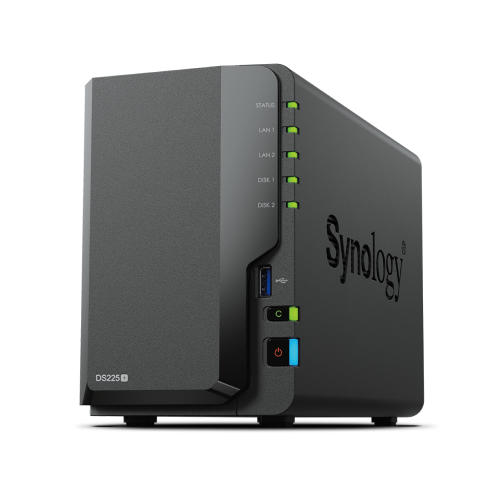
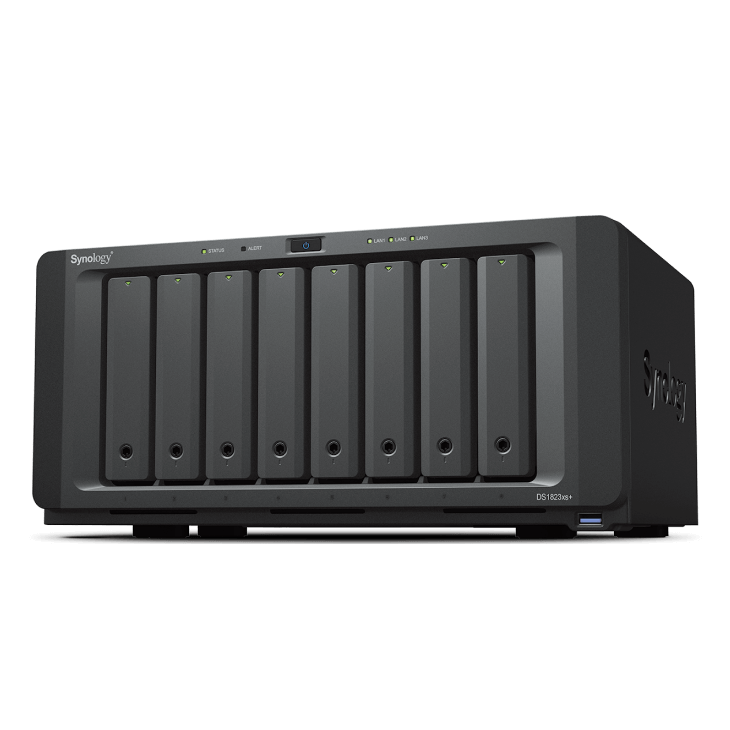
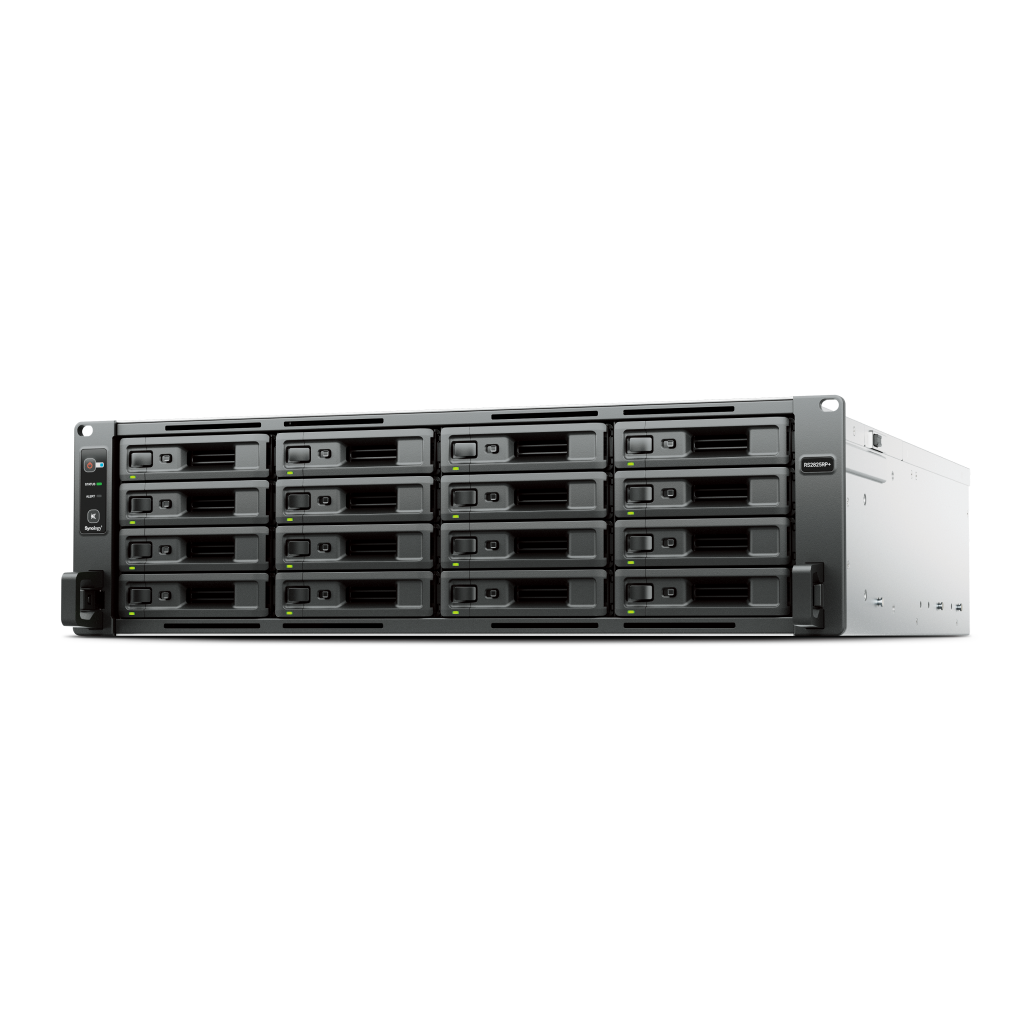
See Synology NAS range
Explore models suited to home, creators, and small business in Australia.
Browse SynologyOverview
The cleanest migration starts with a staged export and a clear destination folder plan.
Work in batches and let indexing complete between steps.
Prepare your library
Reduce duplication before you export.
- Delete obvious duplicates and failed uploads
- Consolidate shared albums if you plan to maintain them on the NAS
- Note live photos and motion formats that may export as separate files
Export from Google Photos
Use Google Takeout and select Photos with original quality.
- Export by album or date range to keep batches manageable
- Download and verify each archive before proceeding
- Extract archives to a staging drive with plenty of free space
Plan folders and naming
A predictable folder scheme simplifies future maintenance.
- Use a YYYY/MM event or subject based structure
- Avoid special characters and very long folder names
- Keep album names consistent with folder names where possible
Import into Synology Photos
Copy staged folders to the NAS and let indexing complete.
- Create shared libraries for family or team areas
- Use the desktop client for bulk moves and keep the path stable
- Wait for thumbnails to complete before adding more files
Mobile apps and background upload
Enable the official mobile apps to keep new photos flowing automatically.
- Install the mobile app and enable background upload on trusted WiFi
- Select the correct destination folder for each device
- Confirm sign in on all family devices
Deduplication and clean up
Tidy up once everything is indexed.
- Search for exact duplicate files and remove extras
- Merge or rename albums where events overlap
- Review face recognition results and correct mismatches
Remote access options
Keep remote access simple and safe.
- Use QuickConnect or a secure reverse proxy if your model supports it
- Enable two factor sign in on admin accounts
- Keep DSM and packages updated
Backup and protection
Protect your library with snapshots and a second copy.
- Schedule snapshots on the photo volume
- Back up to a second NAS or cloud provider
- Test restore a small album each month
FAQs
Answers to frequent migration questions.
- Will live photos keep motion
- They may export as paired files, verify after import
- Can I keep Google album structure
- Replicate key albums as folders and shared albums
- Is cloud access still possible
- Yes through the official apps with secure sign in
Need technical support or more detailed guidance? Please contact Synology via our Synology Support – Australia page. It includes ticket, Live Chat, warranty and downloads links.