












Migrate OneDrive to Synology Drive in Australia: Step by step guide
Follow a clean migration path so your files land in predictable folders and users can reconnect quickly.
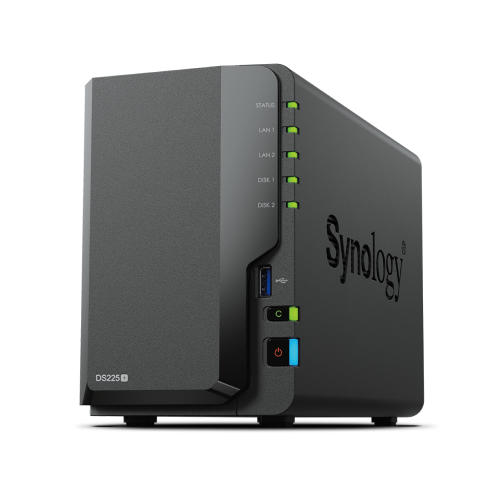
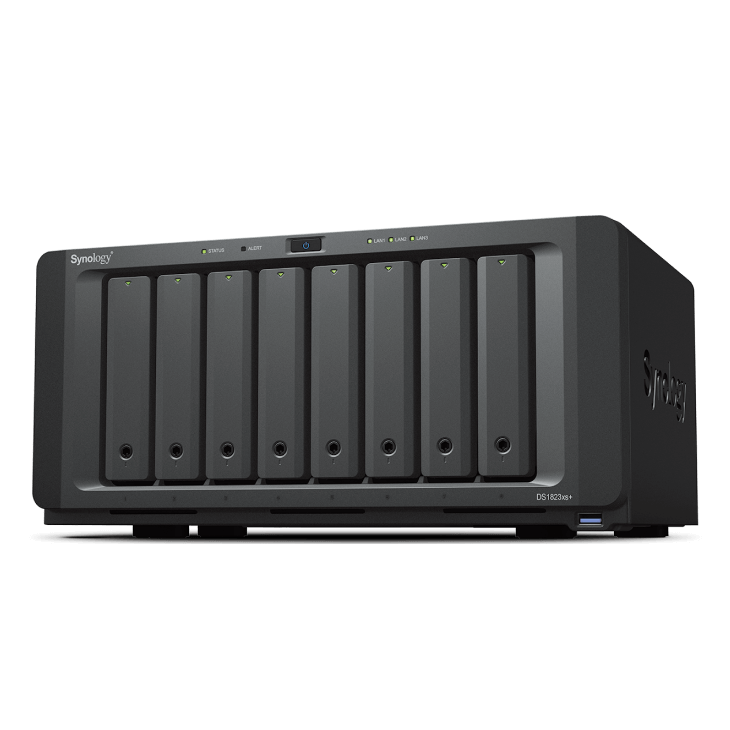
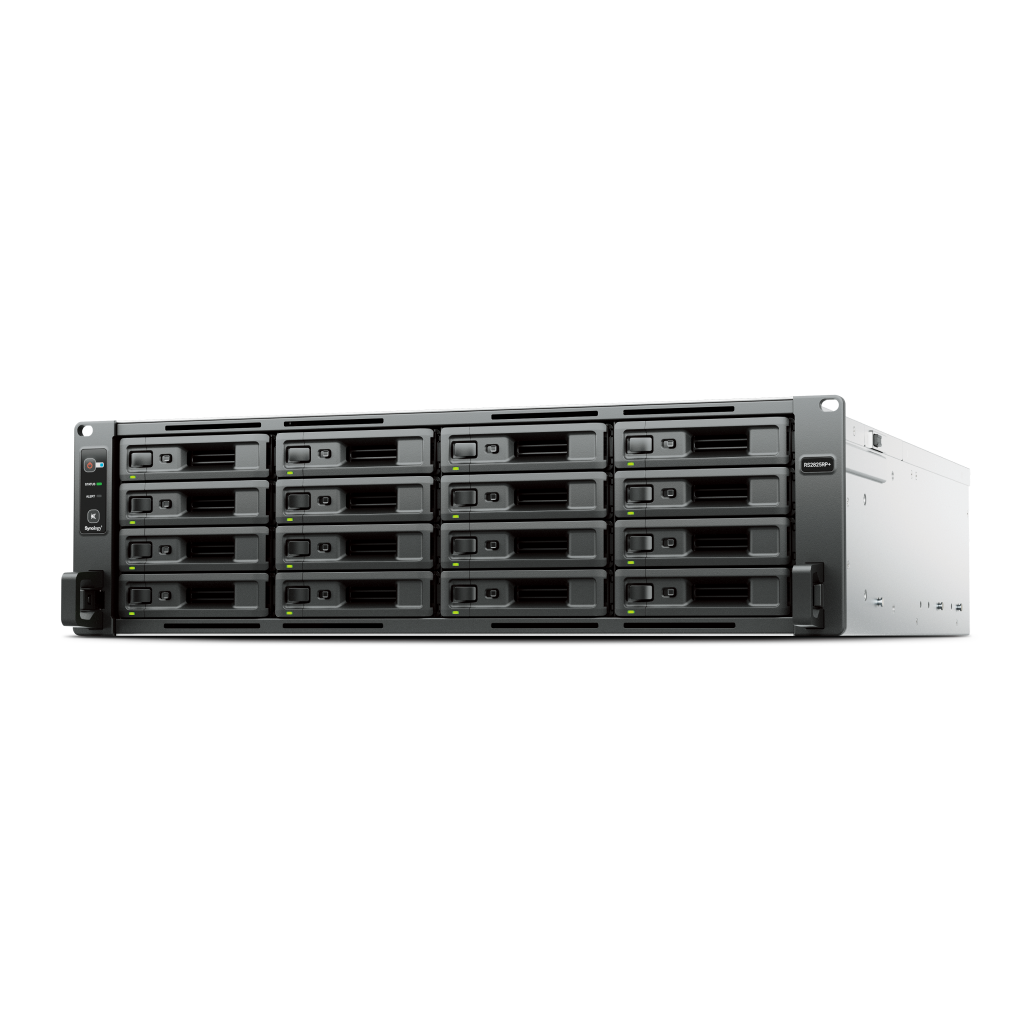
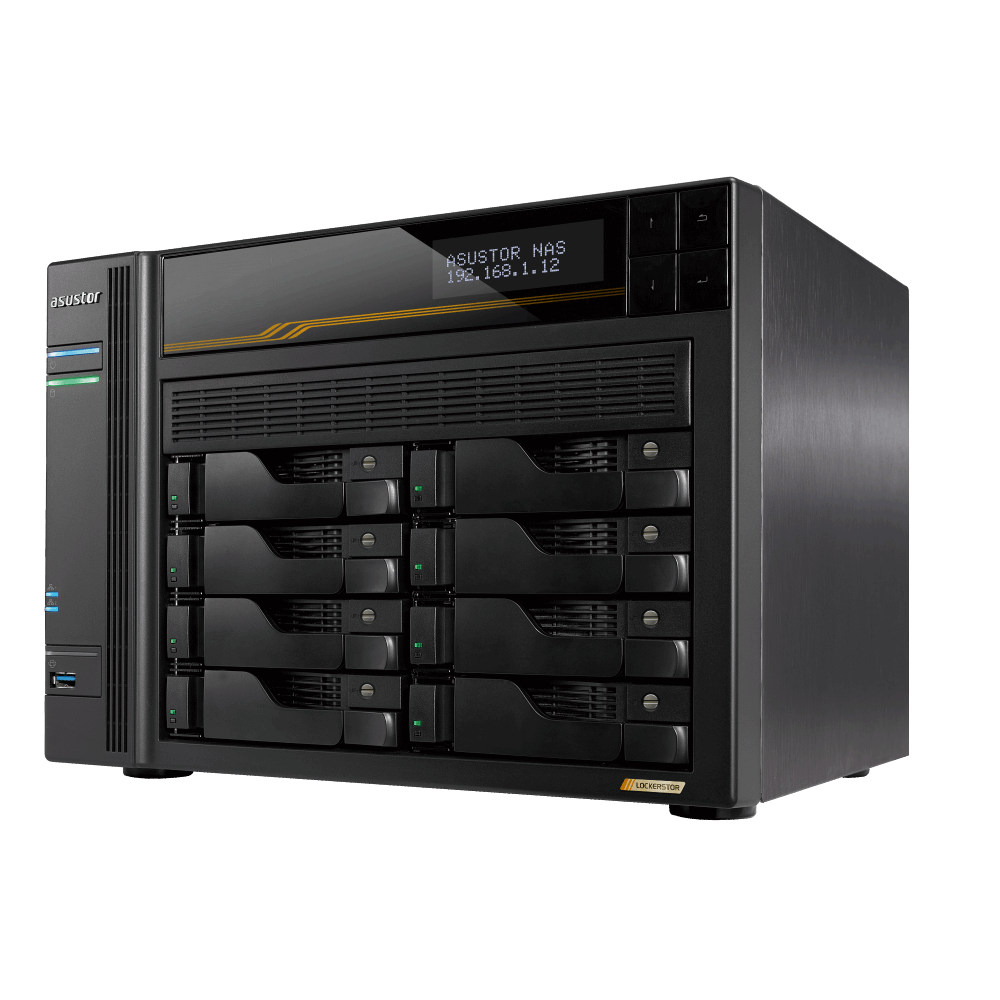
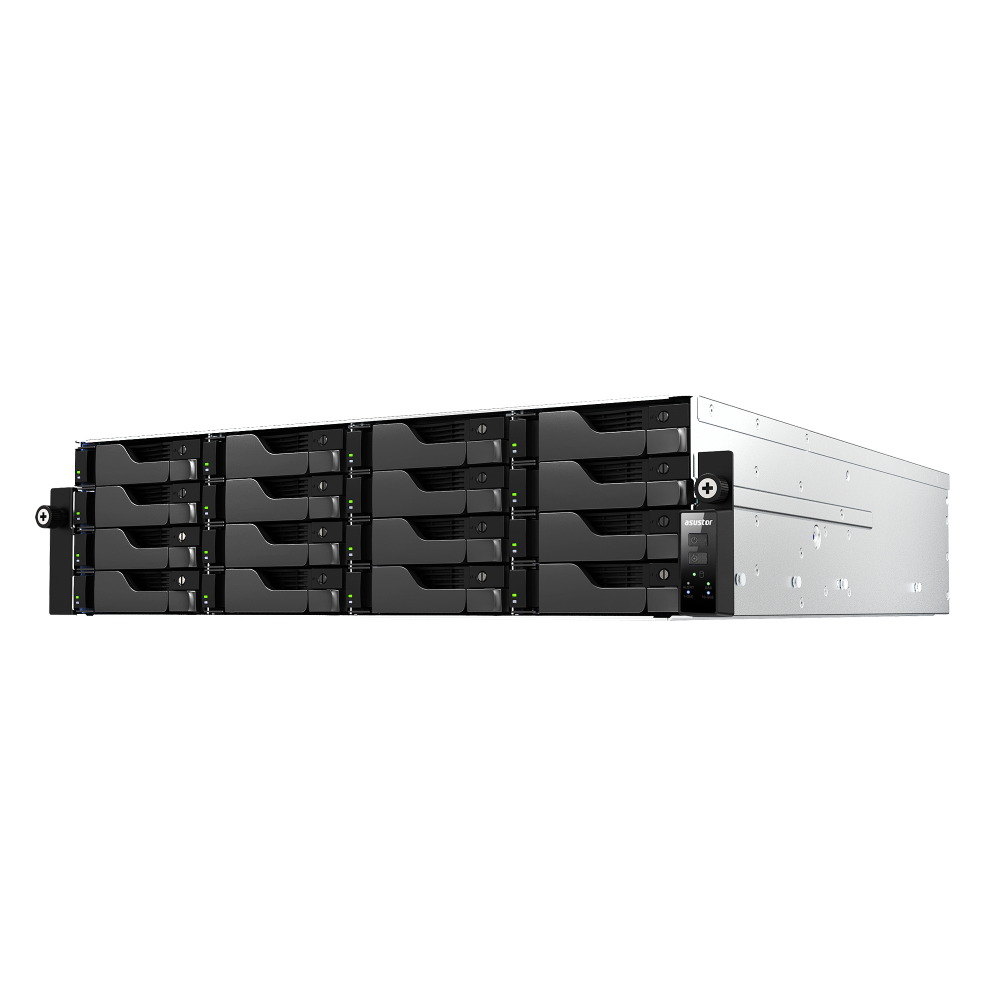
See Synology NAS range
Explore models suited to home, creators, and small business in Australia.
Browse SynologyOverview
A successful migration keeps paths stable, avoids duplicates, and documents who owns which shared folders.
Plan the scope and structure
Decide which accounts and shared folders you will move and where they will live on the NAS.
- List users and shared folders with current owners
- Design destination folders such as Home, Teams, and Archive
- Confirm available capacity and plan growth
Choose a migration method
Pick one approach based on your environment and timelines.
- Direct transfer using Synology Cloud Sync from OneDrive to NAS
- Workstation copy where users export to a staging drive then copy to NAS
Direct Cloud Sync approach
Use the Cloud Sync package to connect to OneDrive and pull data into the NAS with version rules.
- Create a dedicated destination folder per user or team
- Map OneDrive paths to matching NAS folders
- Run an initial sync after hours and verify a sample set
Workstation copy approach
Use this when you prefer manual control or have limited admin rights.
- Export from OneDrive to a local staging drive
- Copy to the NAS using the desktop client or SMB
- Verify sizes and spot check file integrity
Permissions and sharing
Set clean ownership and sharing rules before users reconnect.
- Create groups that match departments
- Assign read and write permissions per folder
- Enable recycle bins and quotas where appropriate
Reconnect desktop and mobile clients
Switch users to Synology Drive with minimal disruption.
- Install Synology Drive Client and connect to the NAS
- Select folders to keep offline on laptops
- Confirm mobile app sign in and background sync
Backup and verification
Protect the new data location and verify success.
- Enable snapshots and create a Hyper Backup job
- Run a sample restore drill
- Archive the staging export for a short period before deletion
Troubleshooting checklist
Use this list to resolve common issues.
- Check path lengths and special characters
- Verify permissions and group membership
- Review Cloud Sync logs for skipped files
FAQs
Quick answers to common migration questions.
- Can I migrate sharing links
- Recreate sharing through Synology Drive
- Do versions come across
- Use Cloud Sync rules, or keep versions in the OneDrive archive
- Is downtime required
- Plan a read only window during final copy
Need technical support or more detailed guidance? Please contact Synology via our Synology Support – Australia page. It includes ticket, Live Chat, warranty and downloads links.