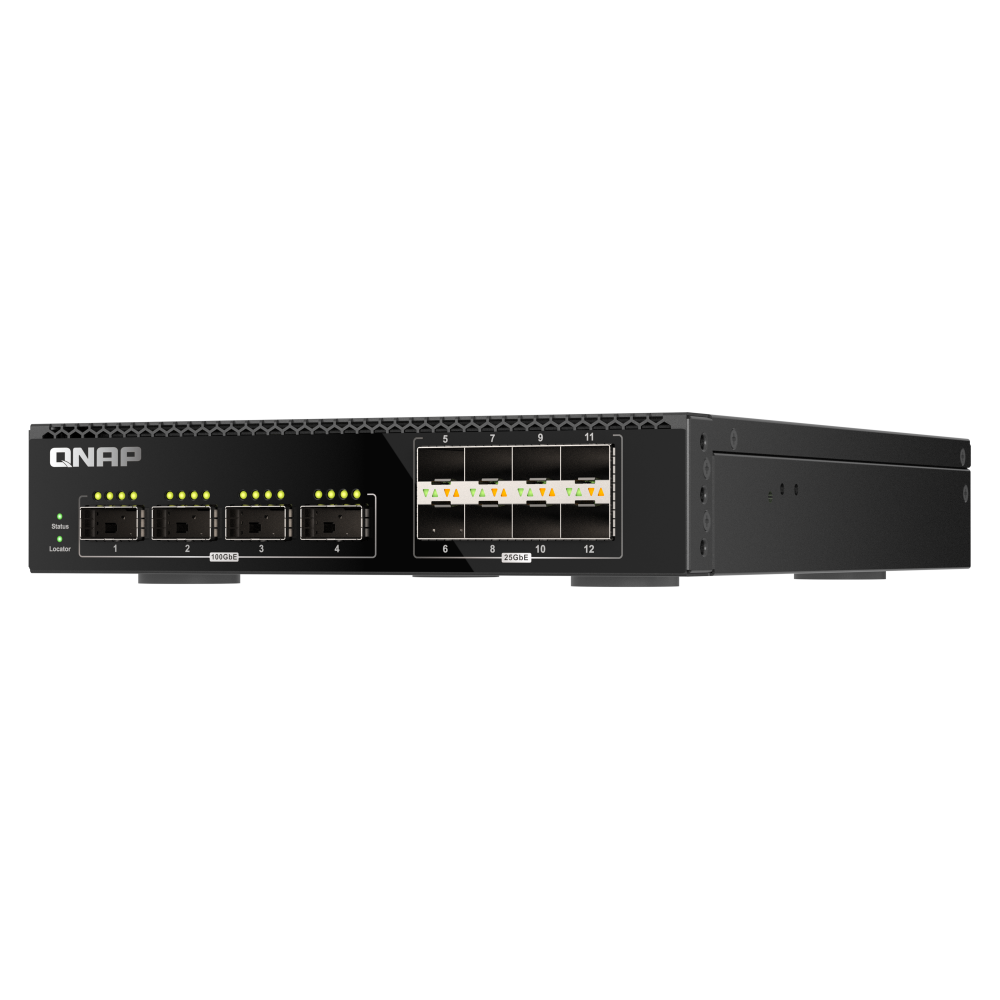
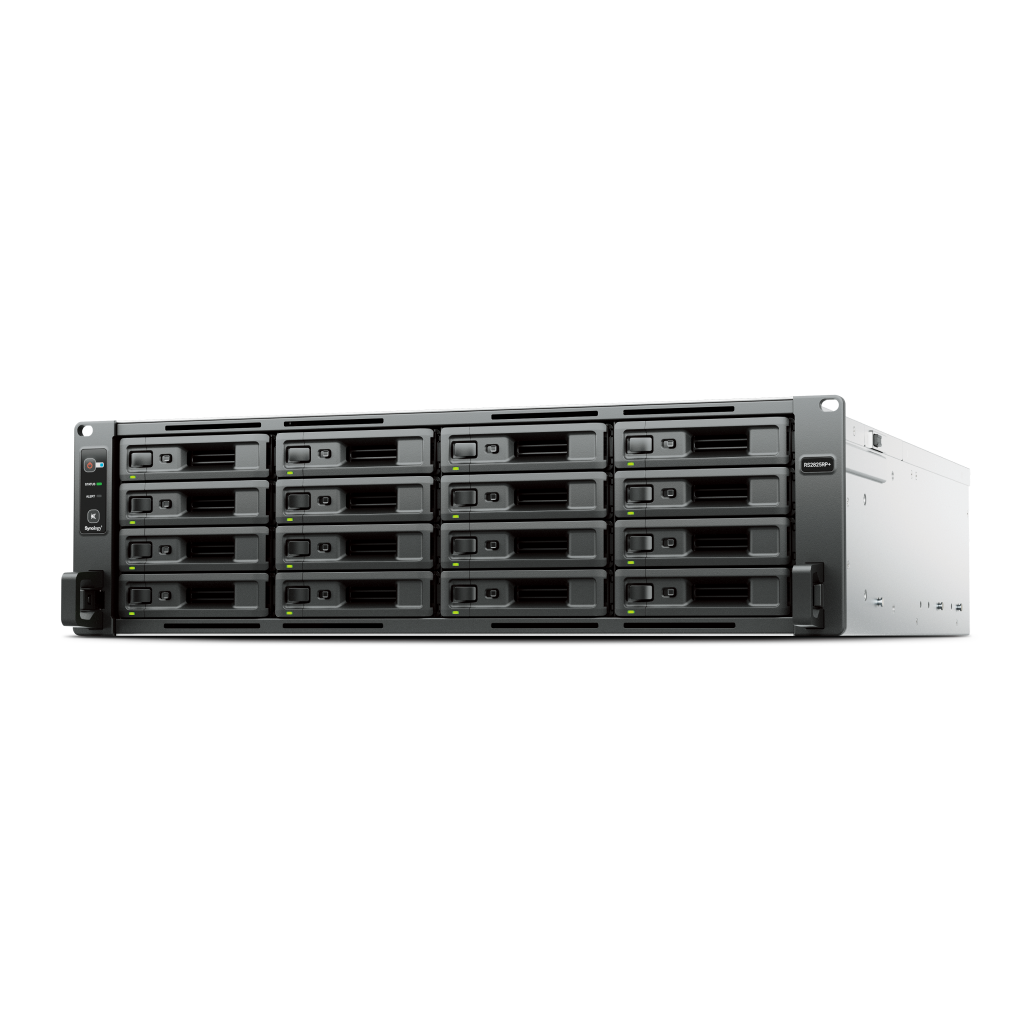
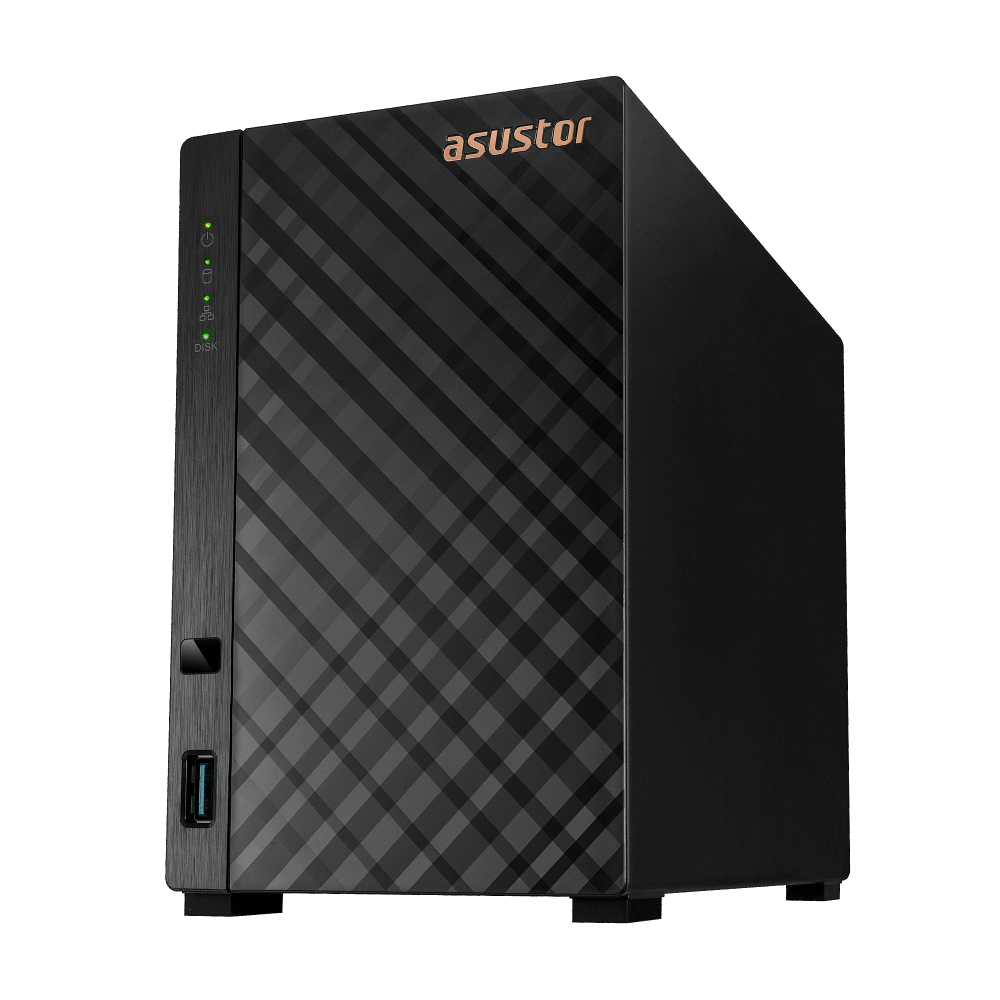
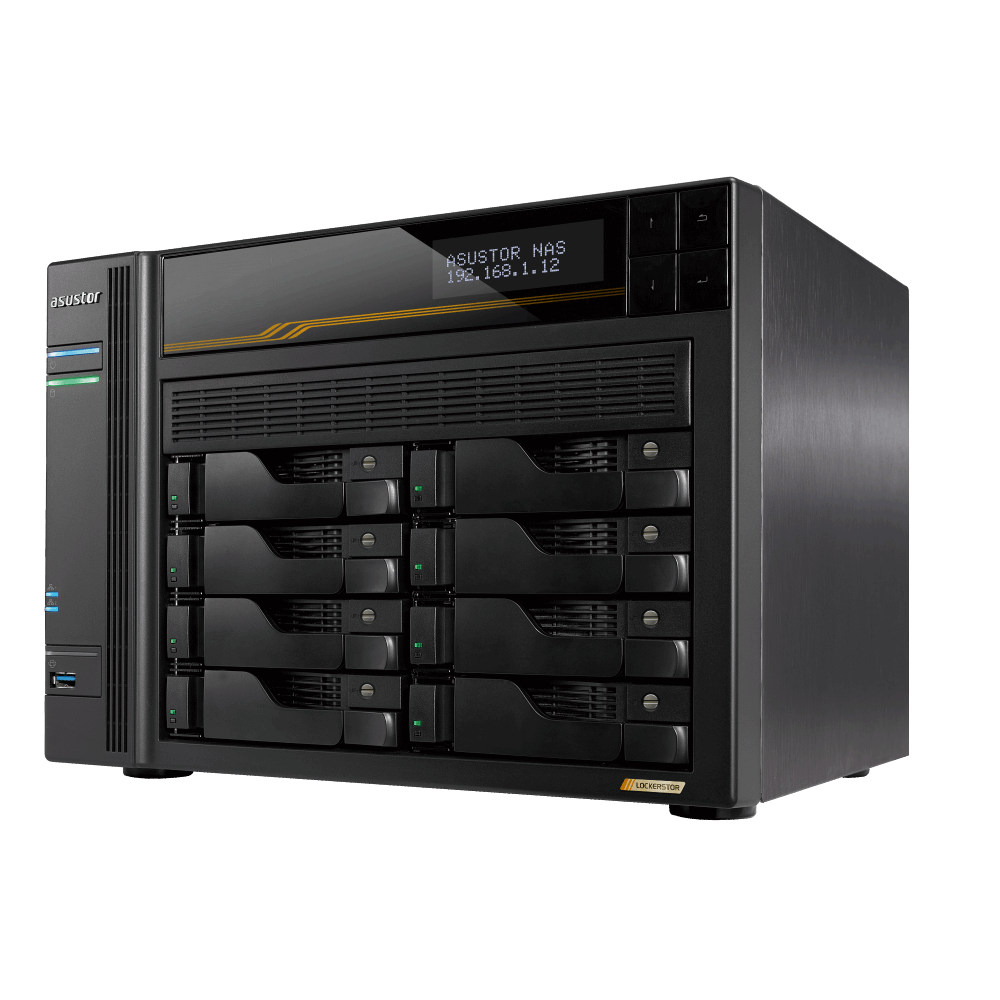
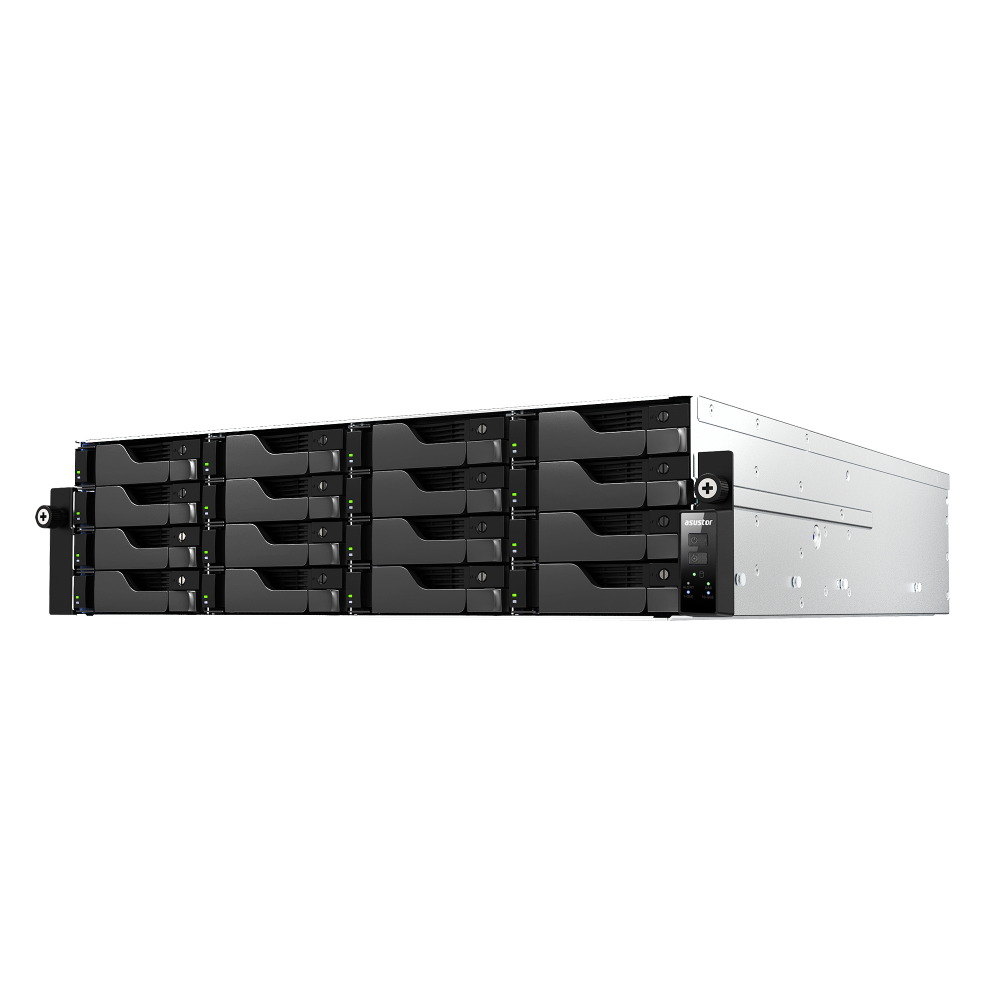
A clean wired backbone with a small multi gig switch serves most small offices well. Keep WiFi for light clients and guests.
Goals and constraints
Define success early.
Fast file access for key desktops
Simple remote access without exposing services
Capacity and growth plan for three years
Topology and switch choices
Select a quiet switch with enough multi gig ports.
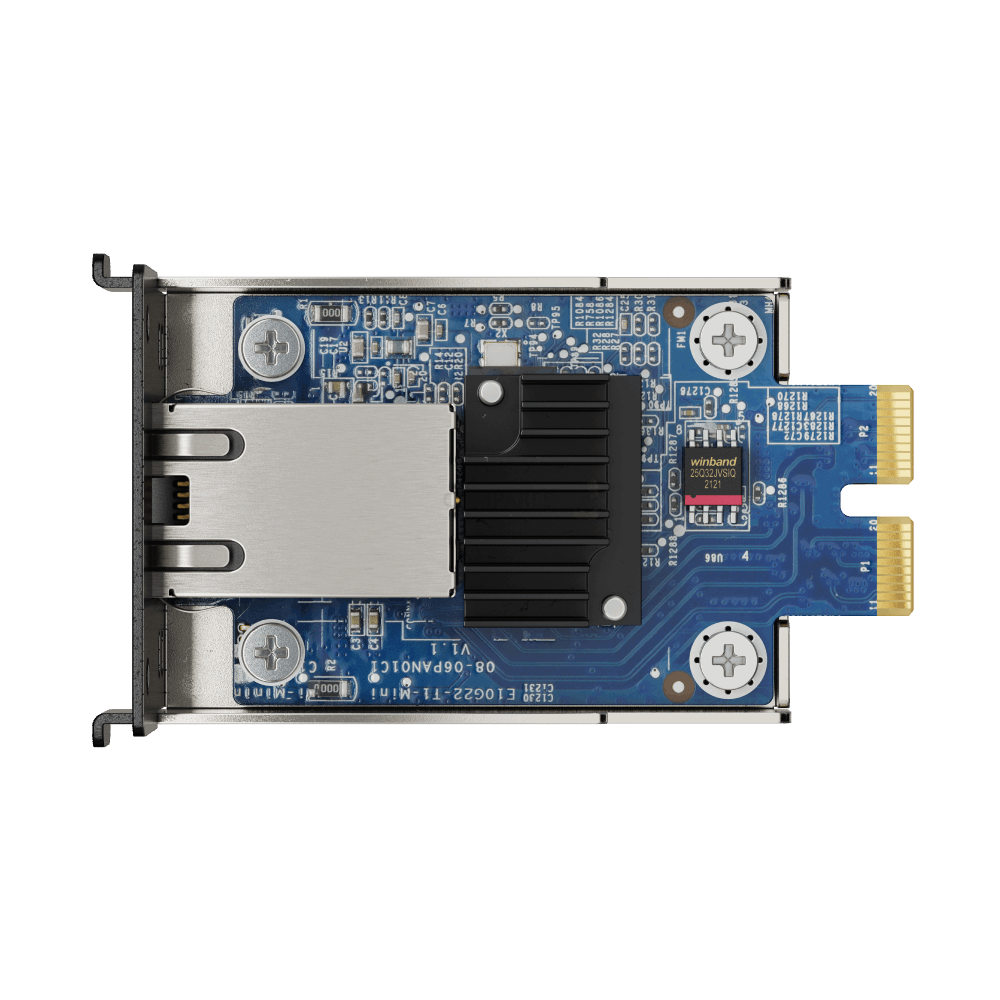
Use a core switch with a few 2.5 GbE ports for NAS and heavy desktops
Fanless models reduce noise in small rooms
Avoid daisy chains, home everything at the core
VLANs and segmentation
Segmentation adds safety without complexity.
Separate staff, NAS, guest, and IOT where possible
Route between VLANs on the router with explicit rules
Keep management interfaces reachable from admin VLAN only
Cabling and WiFi planning
Good cables and access points prevent slowdowns.
Use Cat5e or better; prefer short runs and tidy labels
Place access points centrally and wire them back to the core
Avoid powerline for critical links
Internet and router settings
The router sets policy and VPN access.
Enable a VPN for remote access to NAS and desktops
Reserve static leases for NAS and servers
Keep DNS and time servers reliable
QoS and prioritisation
Only shape traffic when you must.
Prioritise VPN and critical backup windows if links are congested
Avoid over tuning when links are already fast
Monitor utilisation before and after changes
Redundancy and power
Basic resilience reduces incidents.
Add a UPS for the NAS, router, and core switch
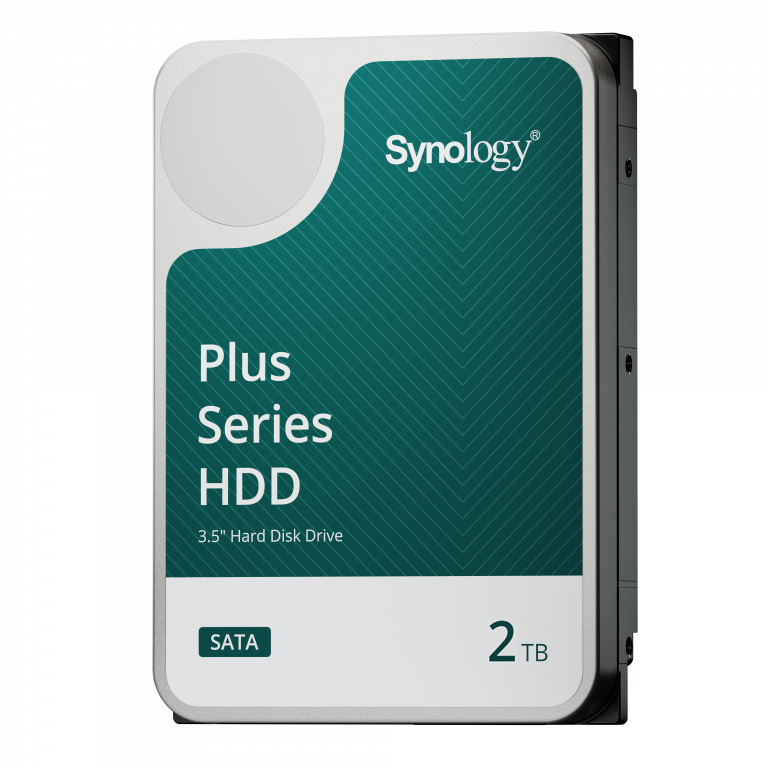
Keep spare cables and a cold spare drive on hand
Document failover plans for internet outages
Deployment steps
Roll out in stages and validate at each step.
Rack and cable the core gear and label ports
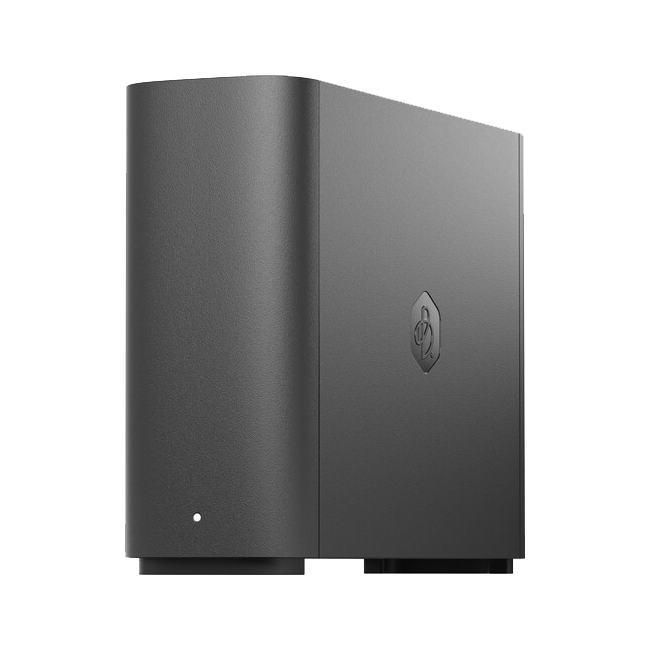
Connect the NAS and verify link speed
Add desktops and test file copies and permissions
Enable VPN and verify remote access to shares
Troubleshooting checklist
If users see slowdowns, start here.
Swap cables and try different switch ports
Check link speeds and duplex on both ends
Test a direct link to isolate the switch
FAQs
Short answers for common design questions.
Do we need 10 GbE - upgrade when workloads and budget align
Is WiFi 6 enough - fine for light devices, wire heavy users
Can we run two NAS units - yes for replication and growth
Need technical support or more detailed guidance? Please contact Synology via our Synology Support – Australia page. It includes ticket, Live Chat, warranty and downloads links.
Small Office Network Design for Synology NAS in Australia: A practical guide
Posted By Ethan Ro
on
We’re Here for You
Whether it’s setup, troubleshooting, or custom solutions or simply tracking your order — we’ve got you covered.