







Surveillance Station 9 on Synology: Planning and setup in Australia
Use this guide to map cameras, storage, and retention so your system is stable and easy to manage.
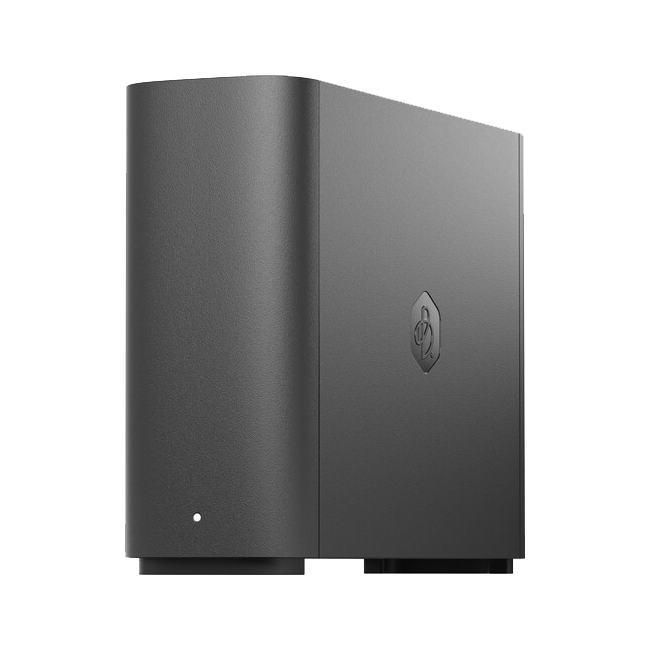
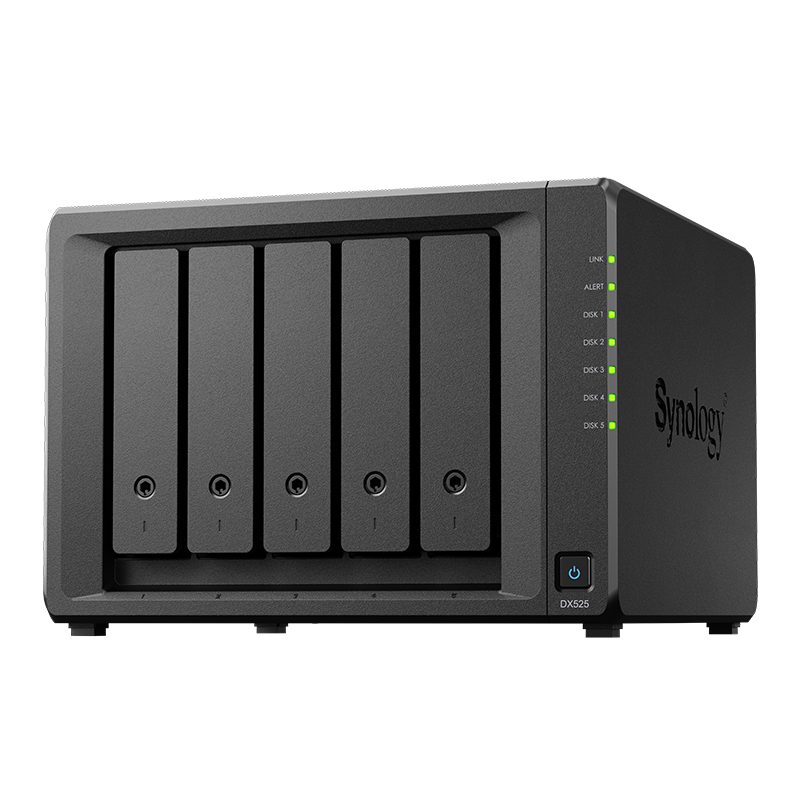
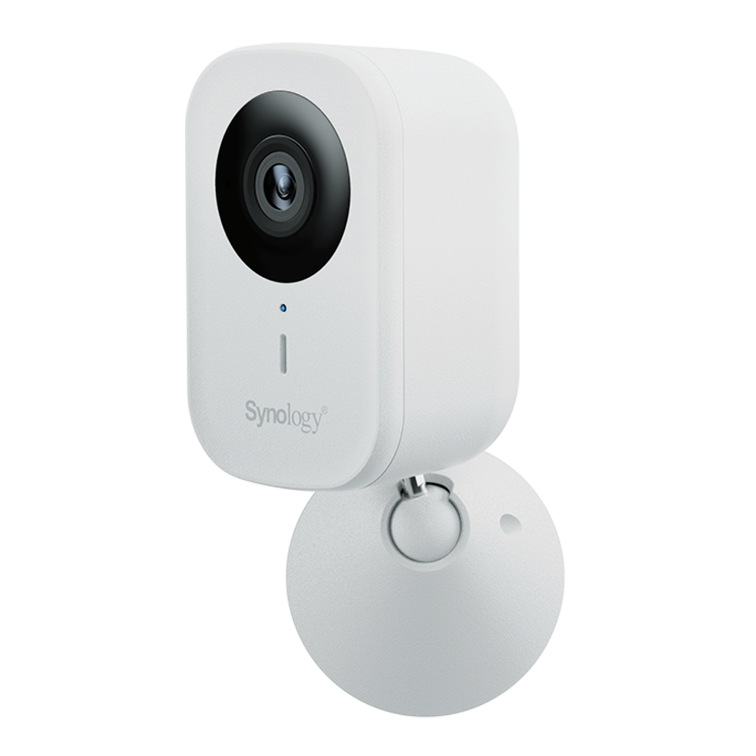
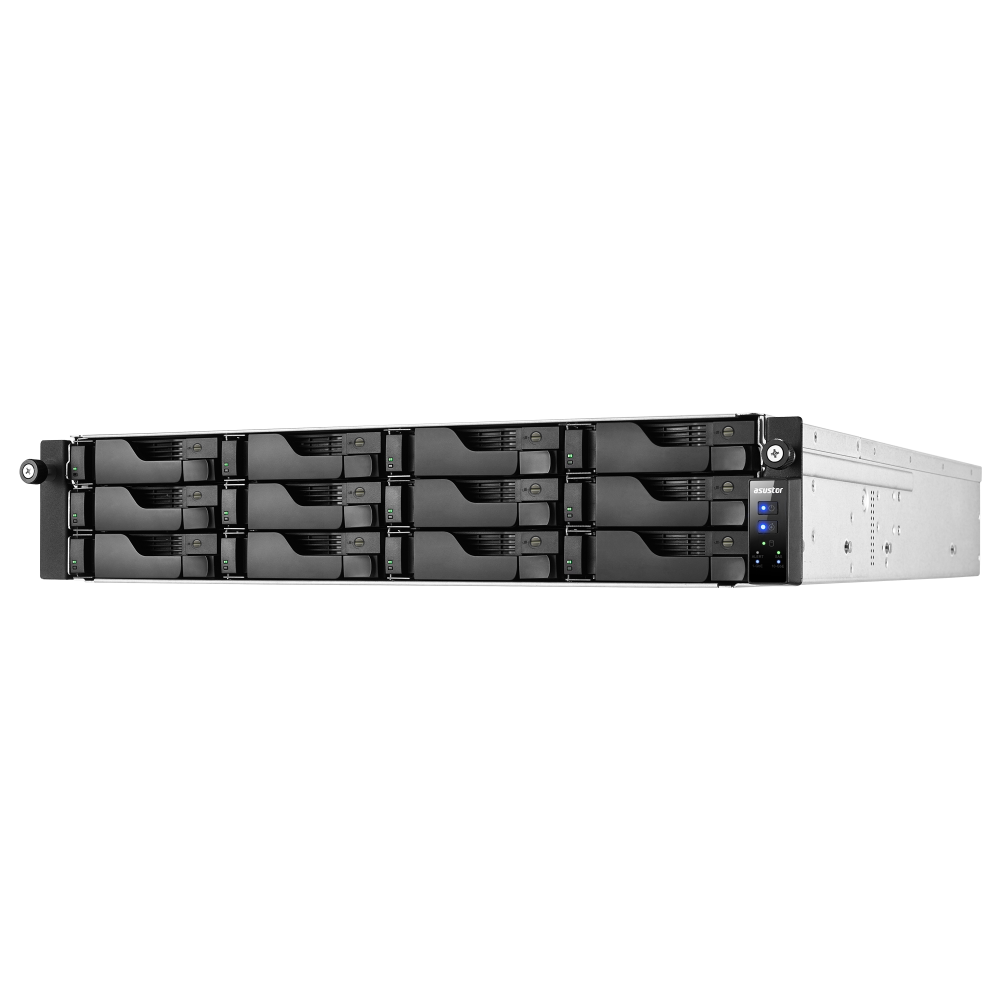
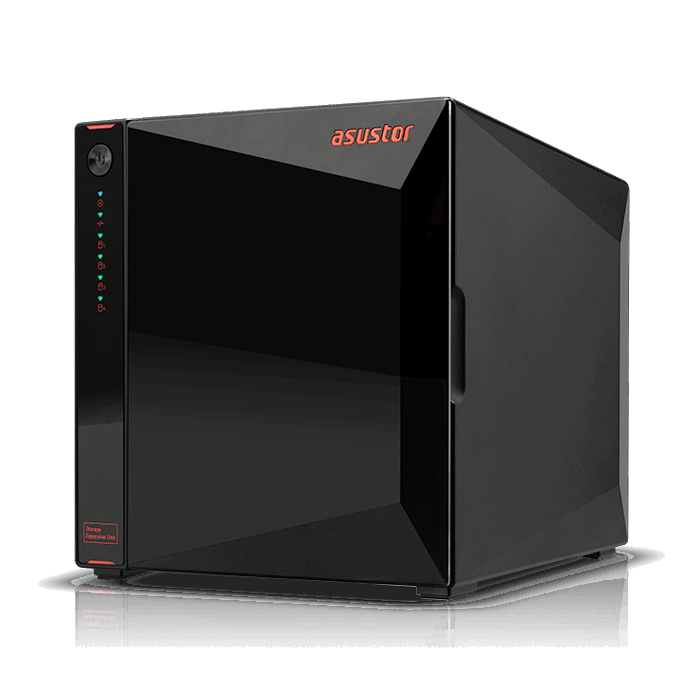
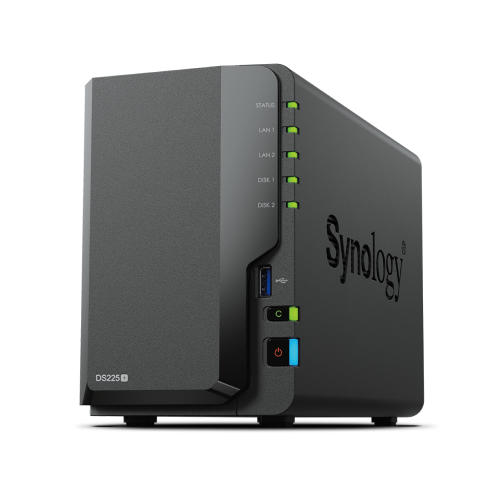
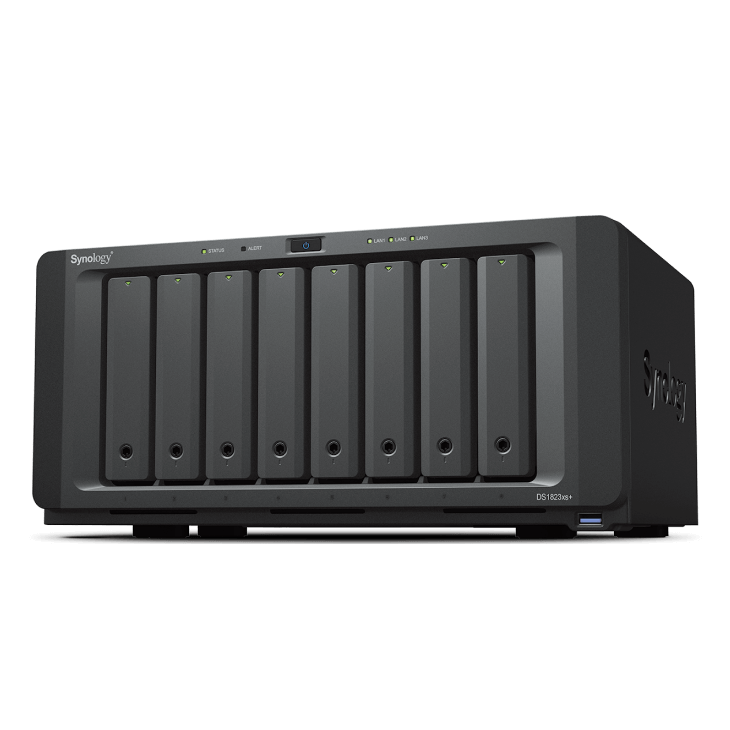
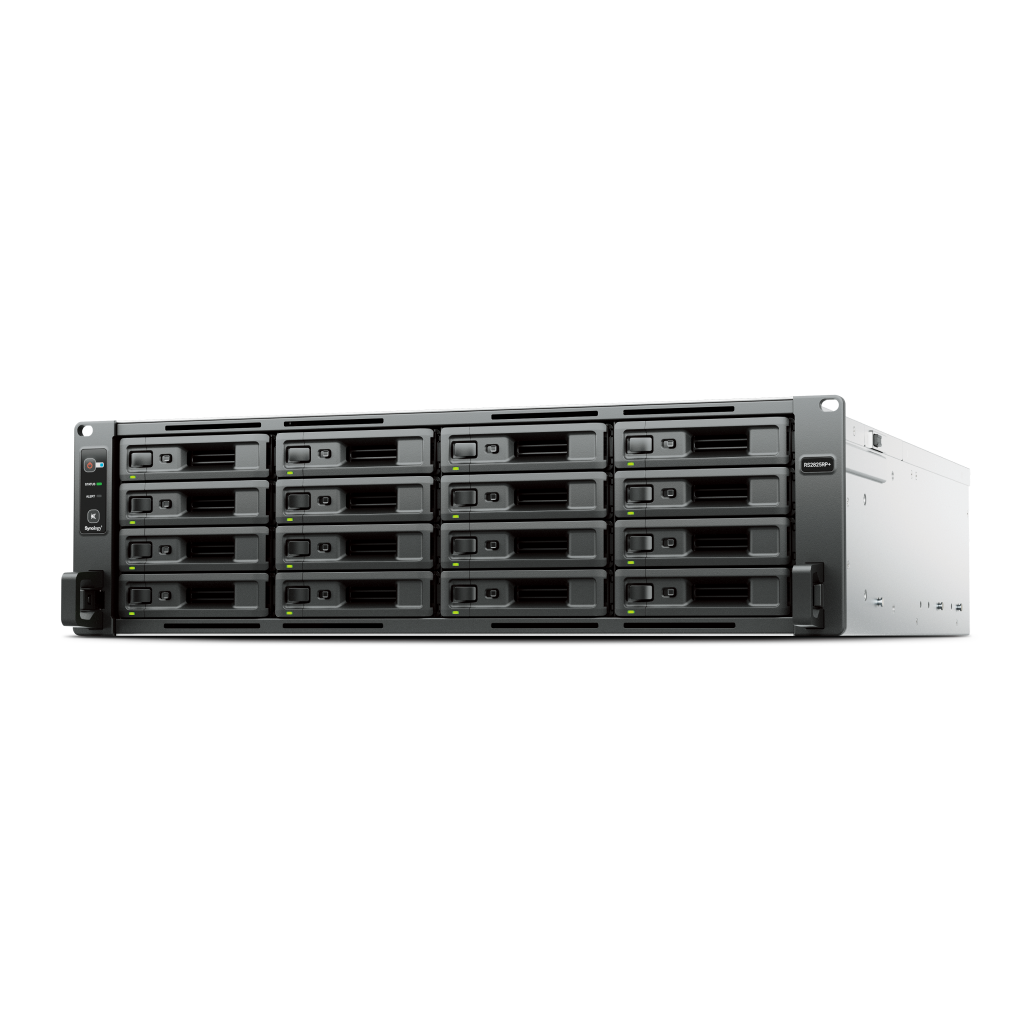
See Synology Surveillance gear
Shop supported NAS and drives for camera workloads in Australia.
Browse surveillanceTalk to a surveillance specialist
Sizing, camera compatibility, and retention planning for your site.
Contact usOverview
Surveillance Station 9 is Synology's video management platform for homes and small to medium sites.
Plan your camera count, resolution, and retention first, then select the NAS, drives, and network.
Camera compatibility
Select cameras that support ONVIF profiles and test discovery before you commit.
- Prefer models on Synology's compatibility list
- Enable ONVIF and fixed IPs for stable connections
- Use PoE switches sized for total watt draw and future growth
Licensing and channels
Most DiskStation models include a small number of camera channels by default.
- Add more channels with license keys when your camera count grows
- Track licenses per NAS so you can move cameras cleanly during upgrades
Storage sizing and retention
Storage depends on bitrate, motion, and retention goals. Start with conservative estimates and verify in a pilot.
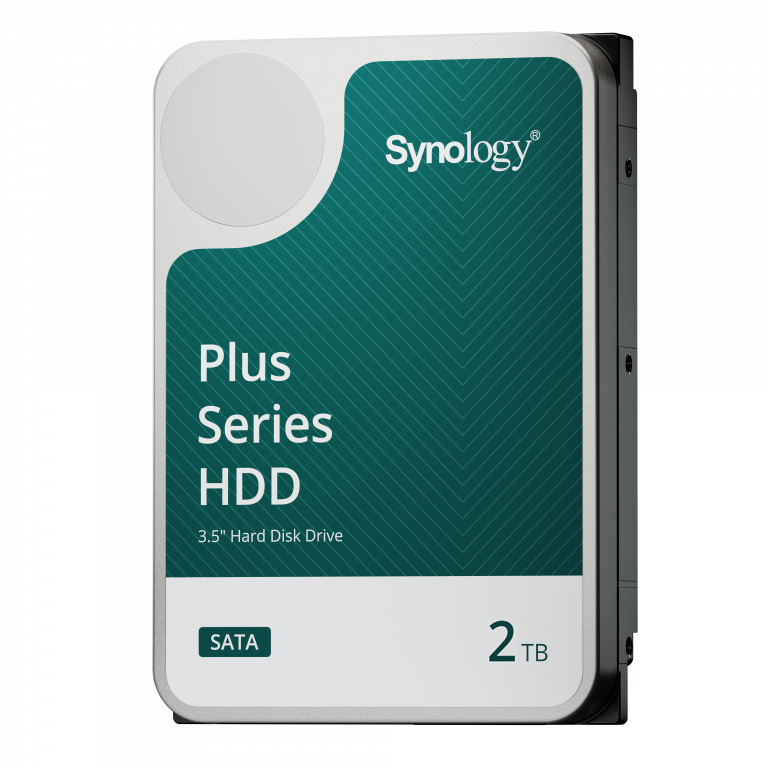
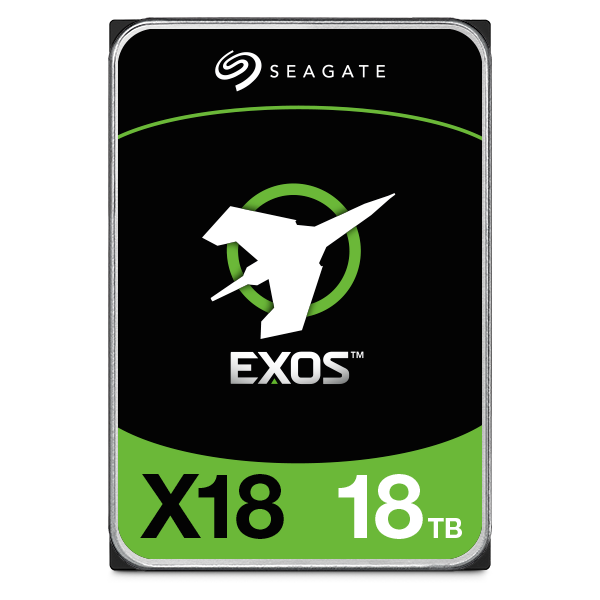
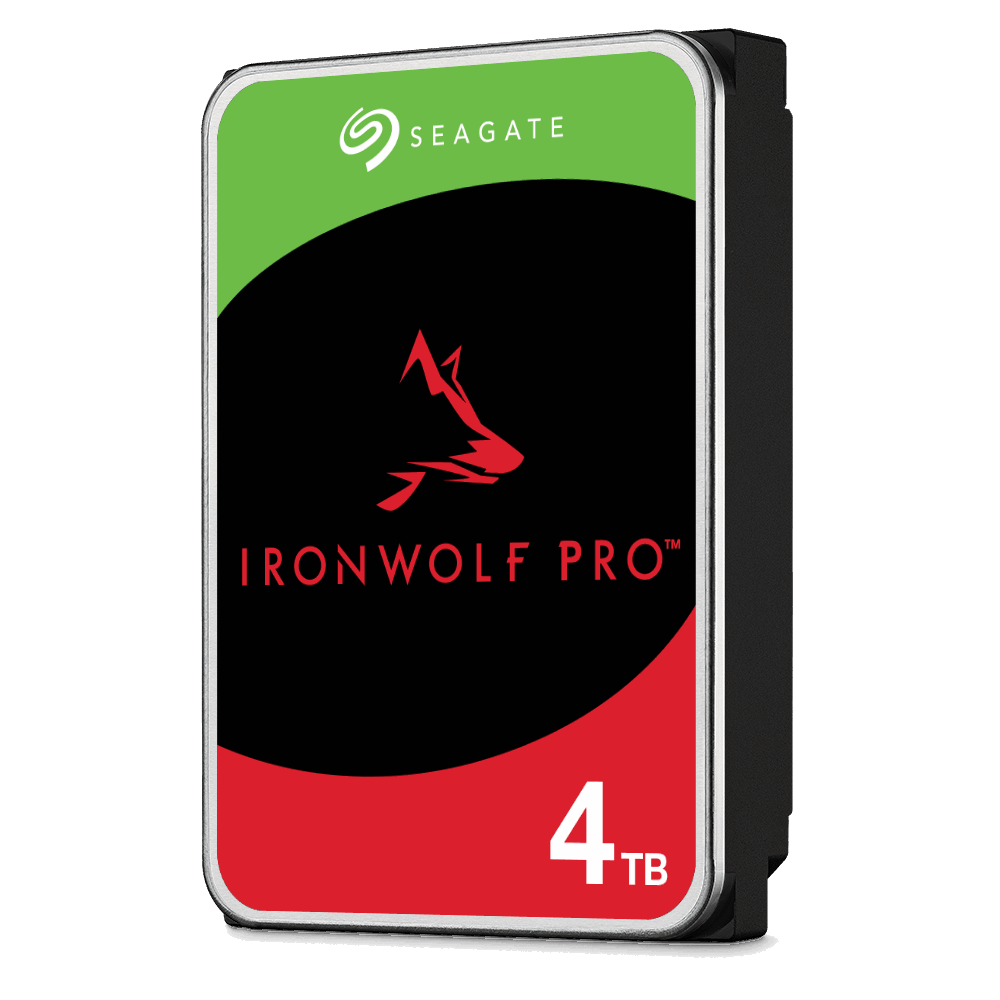
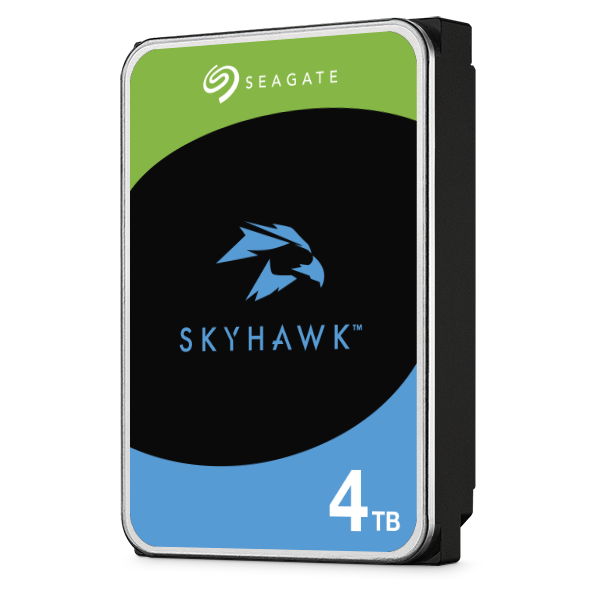
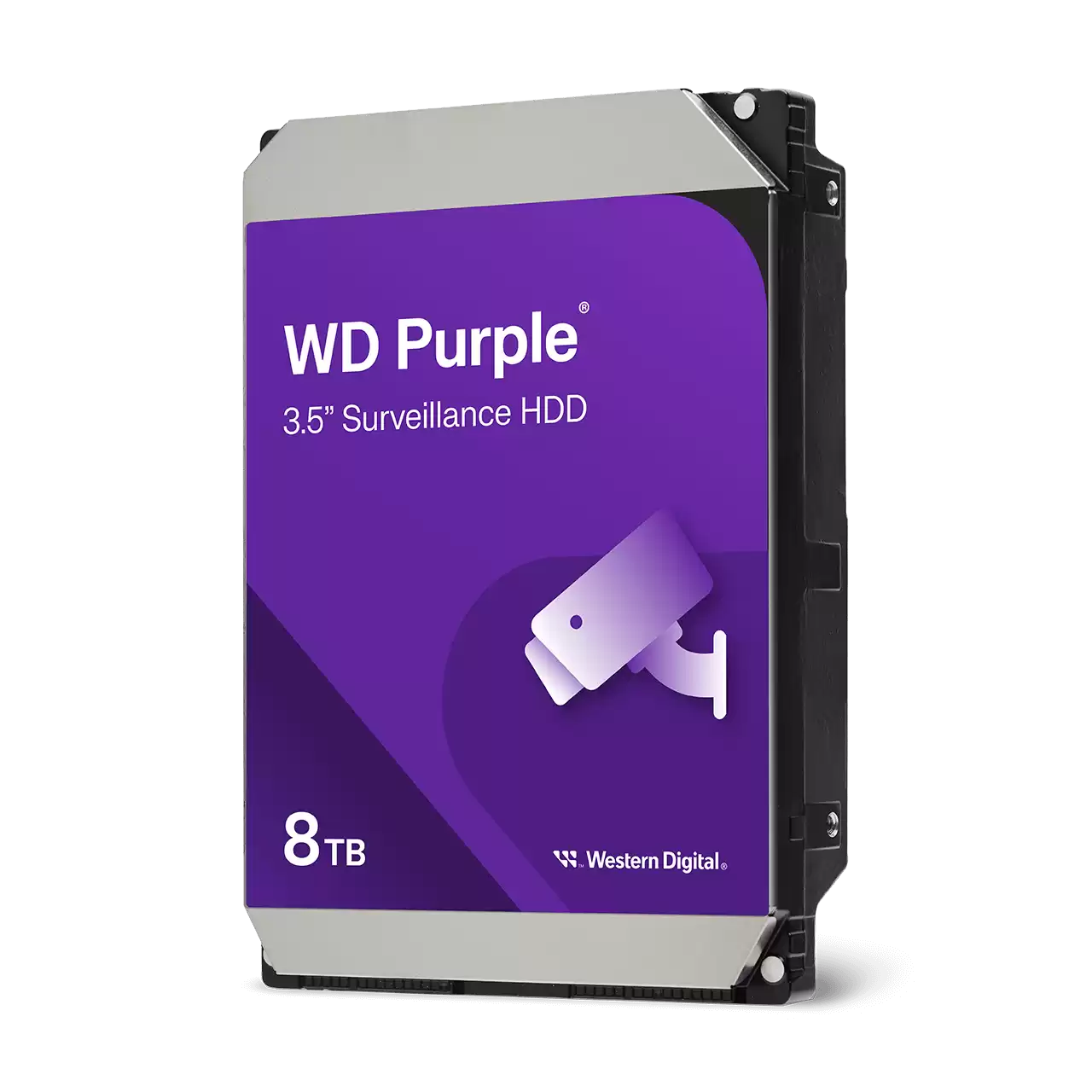
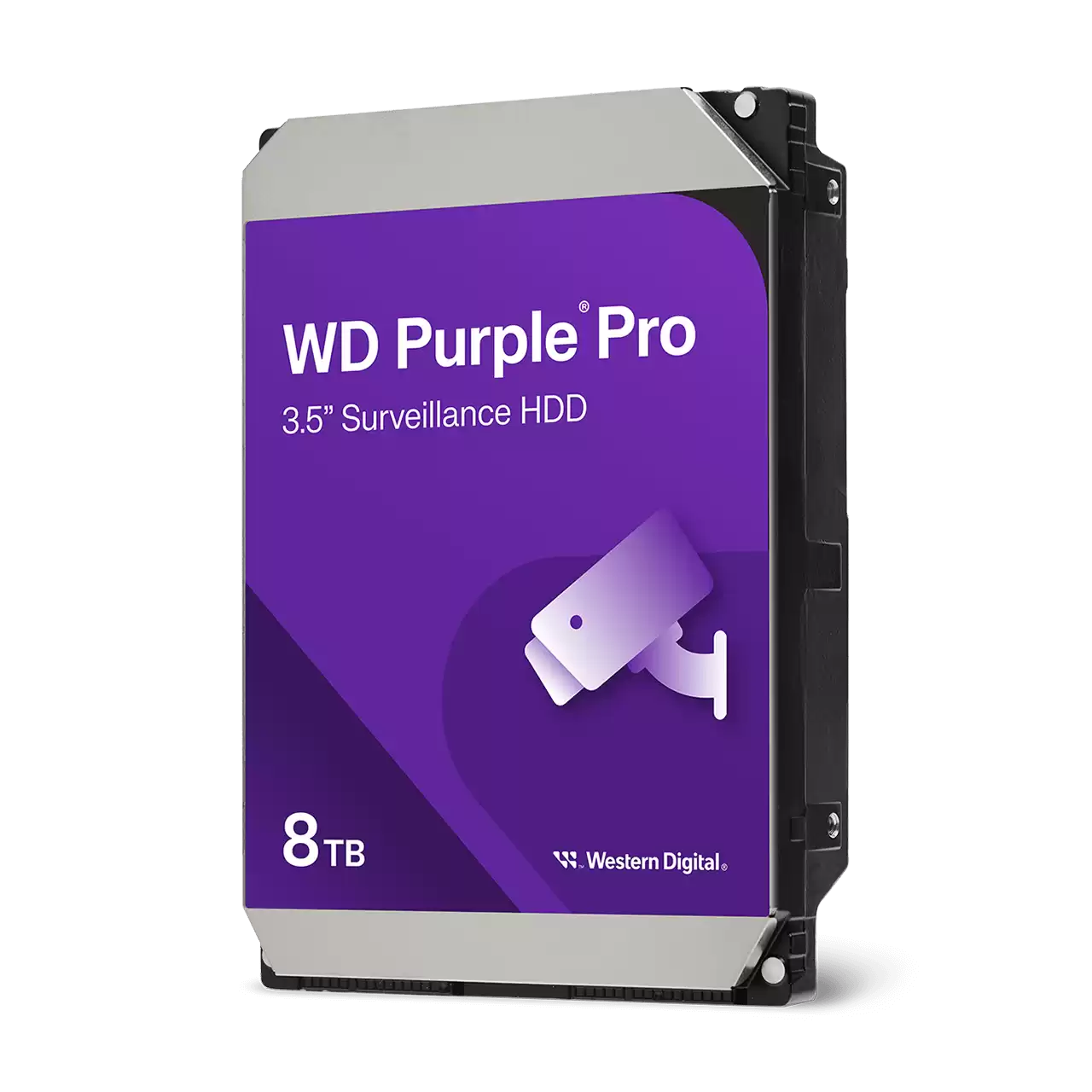
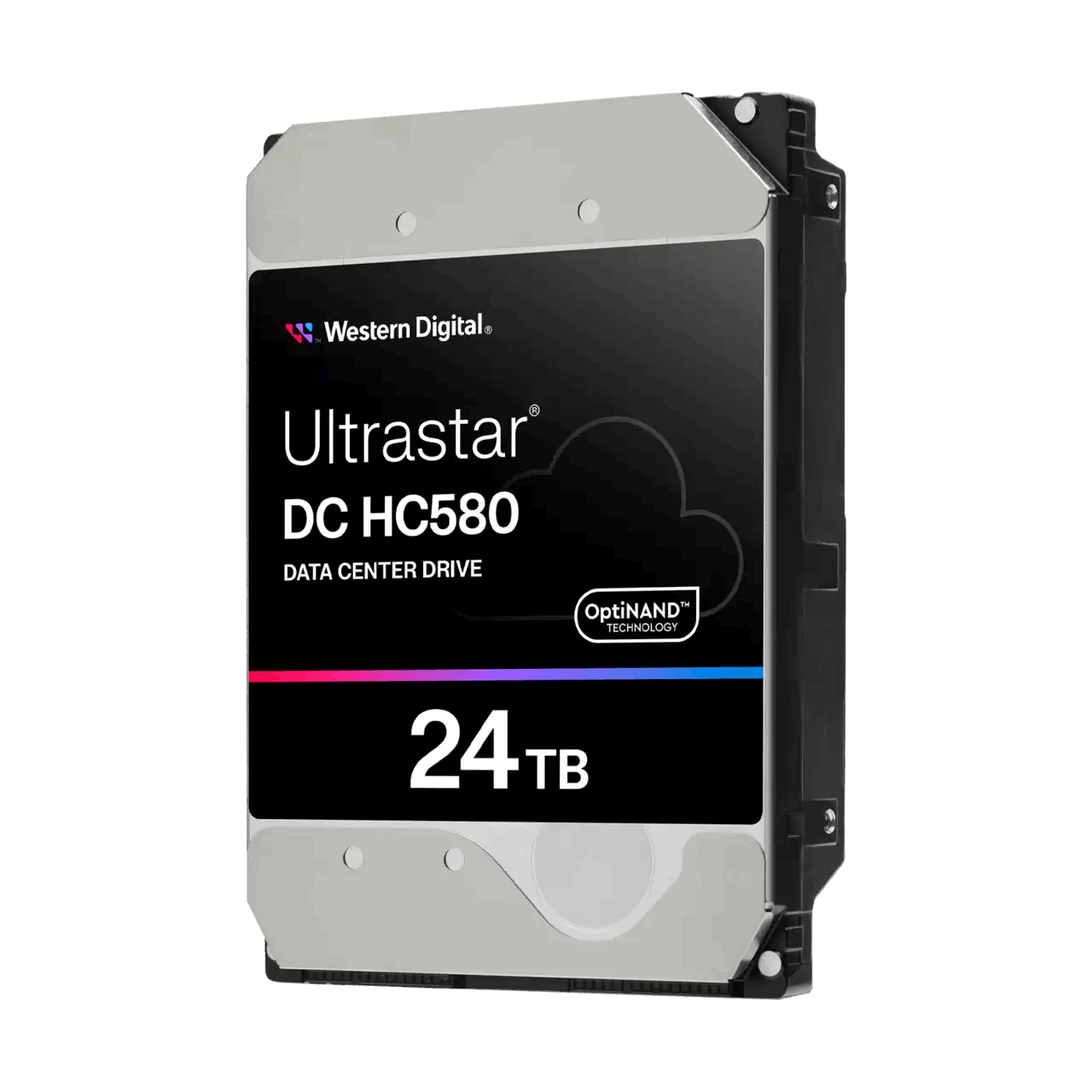
- Use NAS rated HDDs and consider RAID 6 for protection with larger arrays
- Separate surveillance volumes from general file storage to reduce contention
- Keep a spare drive on hand to reduce rebuild windows
Setup steps
Follow a simple sequence for clean onboarding.
- Create a dedicated volume or shared folder for recordings
- Add cameras in batches and confirm streams and motion events
- Create recording profiles and retention policies per camera group
- Enable user roles for operators and auditors
Remote viewing options
Use secure paths only and keep accounts limited to least privilege.
- QuickConnect for simple access without port forwarding
- Reverse proxy with TLS for sites that need custom domains
- VPN for admin access and maintenance tasks
Privacy and compliance
Record only what you need and inform people where required.
- Post signage where cameras operate
- Limit retention to business needs and legal obligations
- Audit access and keep admin credentials unique
Troubleshooting checklist
Most issues trace back to power, IP addressing, or bandwidth.
- Verify PoE budgets and cable runs
- Use fixed IPs or DHCP reservations for cameras
- Check switch logs for errors and congestion
FAQs
Answers to common planning questions.
- Do I need SSDs - useful for metadata but HDD arrays handle recording well
- How many cameras per NAS - size by bitrate and CPU usage rather than only camera count
- Is cloud backup required - use offsite copies for critical cameras
Need technical support or more detailed guidance? Please contact Synology via our Synology Support – Australia page. It includes ticket, Live Chat, warranty and downloads links.