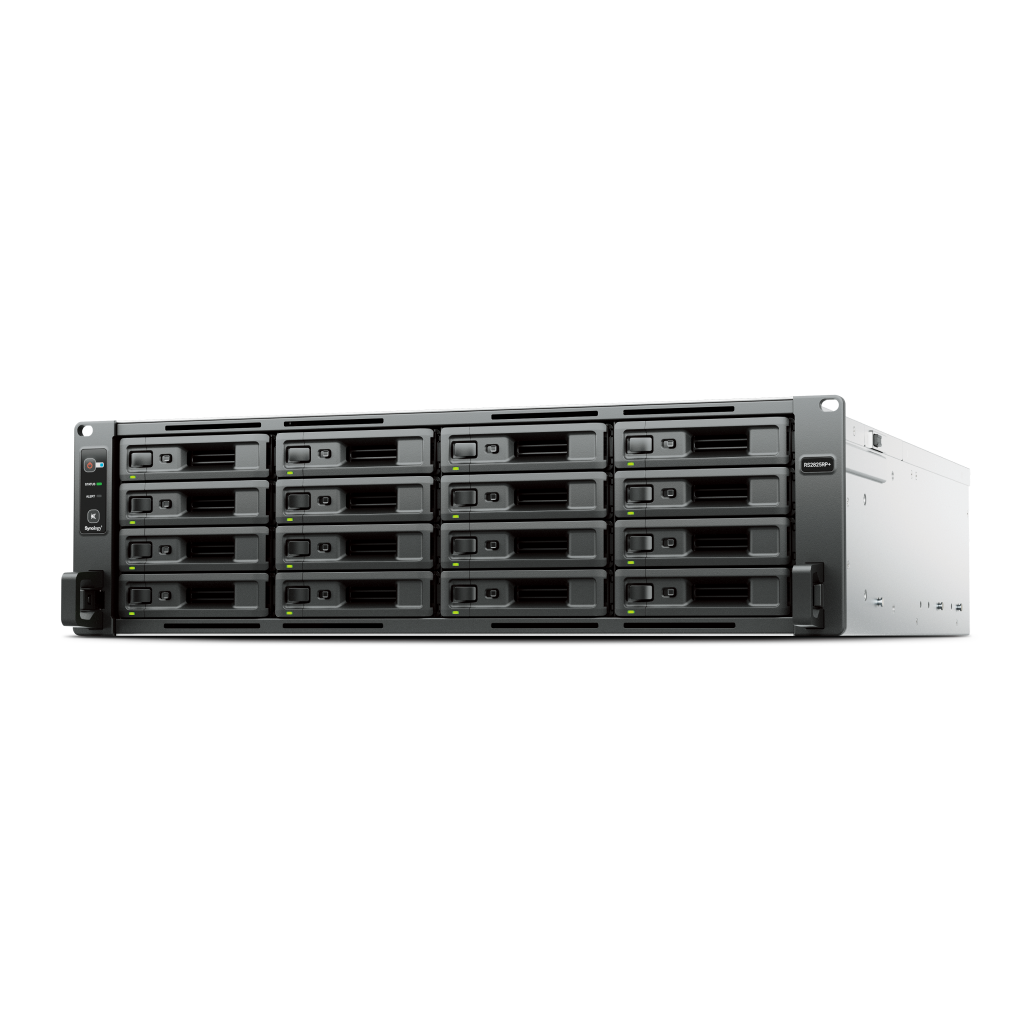
SHR provides flexible capacity when mixing drive sizes. RAID 5 follows a fixed stripe with one disk of parity. Pick based on whether you plan to mix capacities or keep a uniform set of drives.
How the layouts work
SHR uses variable sized stripes to make the most of mixed drive capacities, while RAID 5 uses a single stripe size that matches the smallest drive.
Pros and cons
Aspect
SHR
RAID 5
Drive size flexibility
High
Low
Migration and expansion
Easier in many cases
Predictable when drives are uniform
Vendor portability
Specific to Synology
Industry standard
Learning curve
Simple for new users
Requires manual planning for mixed sizes
Capacity and growth
Your growth plan determines which layout is more efficient over time.
If you plan to add larger drives gradually, SHR often yields better usable capacity
If you buy a full set of identical drives up front, RAID 5 is straightforward
Consider RAID 6 for larger arrays to reduce risk during rebuilds
Rebuild time and risk
Rebuild windows grow with capacity. Keep backups and avoid operating near full capacity.
Use NAS rated drives and keep a cold spare for faster recovery
Monitor SMART and replace suspect drives proactively
Schedule parity checks during low usage periods
Use case recommendations
Simple mapping for common buyers.
SHR for home users and small teams that will mix drive sizes
RAID 5 for uniform sets in stable capacity scenarios
RAID 6 for larger arrays or where uptime is paramount
FAQs
Short answers to frequent questions.
Can I switch between SHR and RAID 5? A rebuild is required, plan migration steps
Does SHR perform slower? Real world performance is usually dictated by disks and network
Is SHR proprietary? Yes to Synology, but it sits on standard Linux technologies
Need technical support or more detailed guidance? Please contact Synology via our Synology Support – Australia page. It includes ticket, Live Chat, warranty and downloads links.
SHR vs RAID 5 on Synology: Which layout to choose in Australia
Posted By Ethan Ro
on
We’re Here for You
Whether it’s setup, troubleshooting, or custom solutions or simply tracking your order — we’ve got you covered.