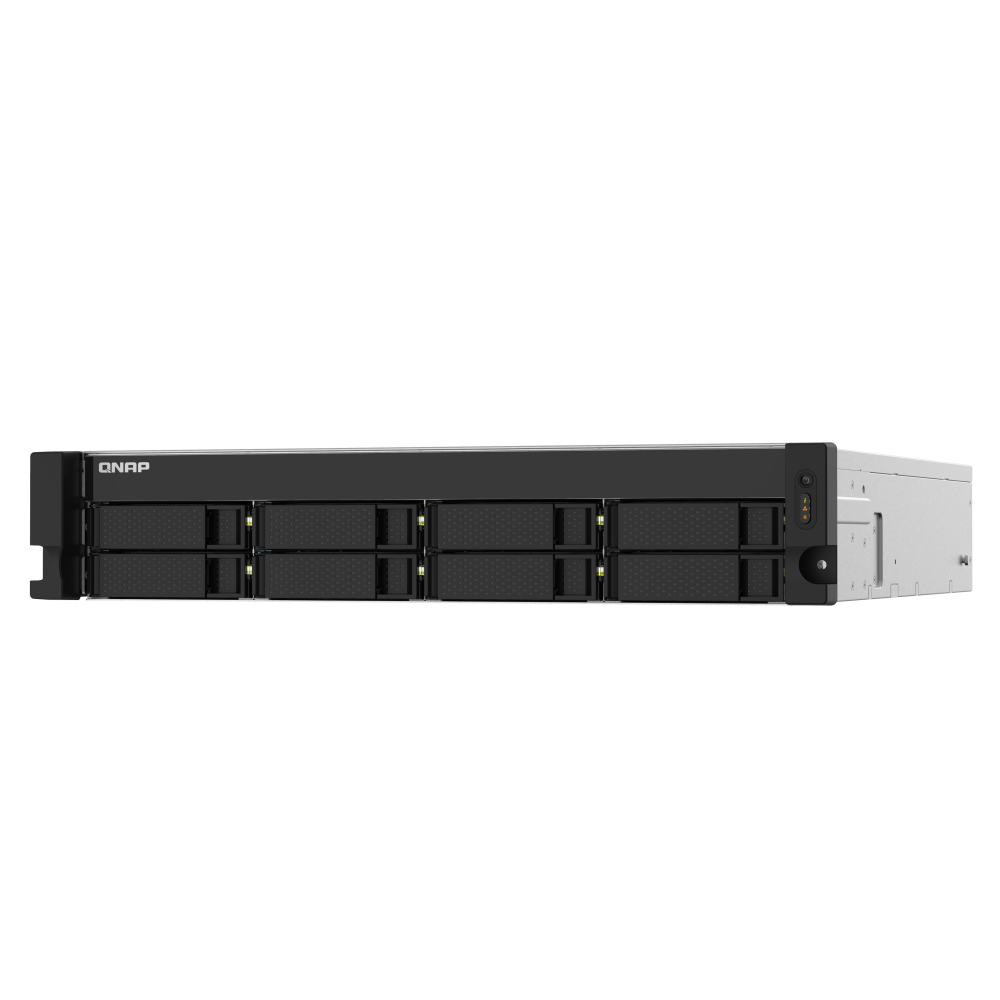
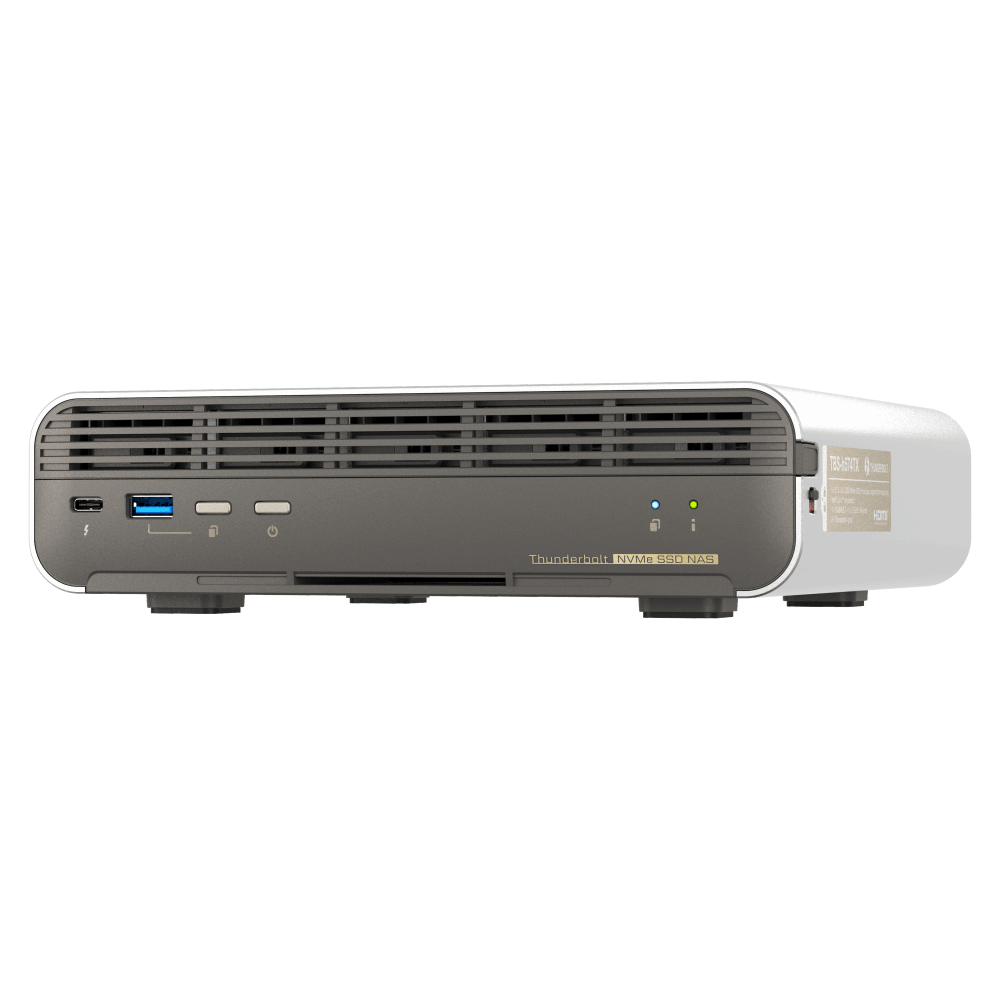
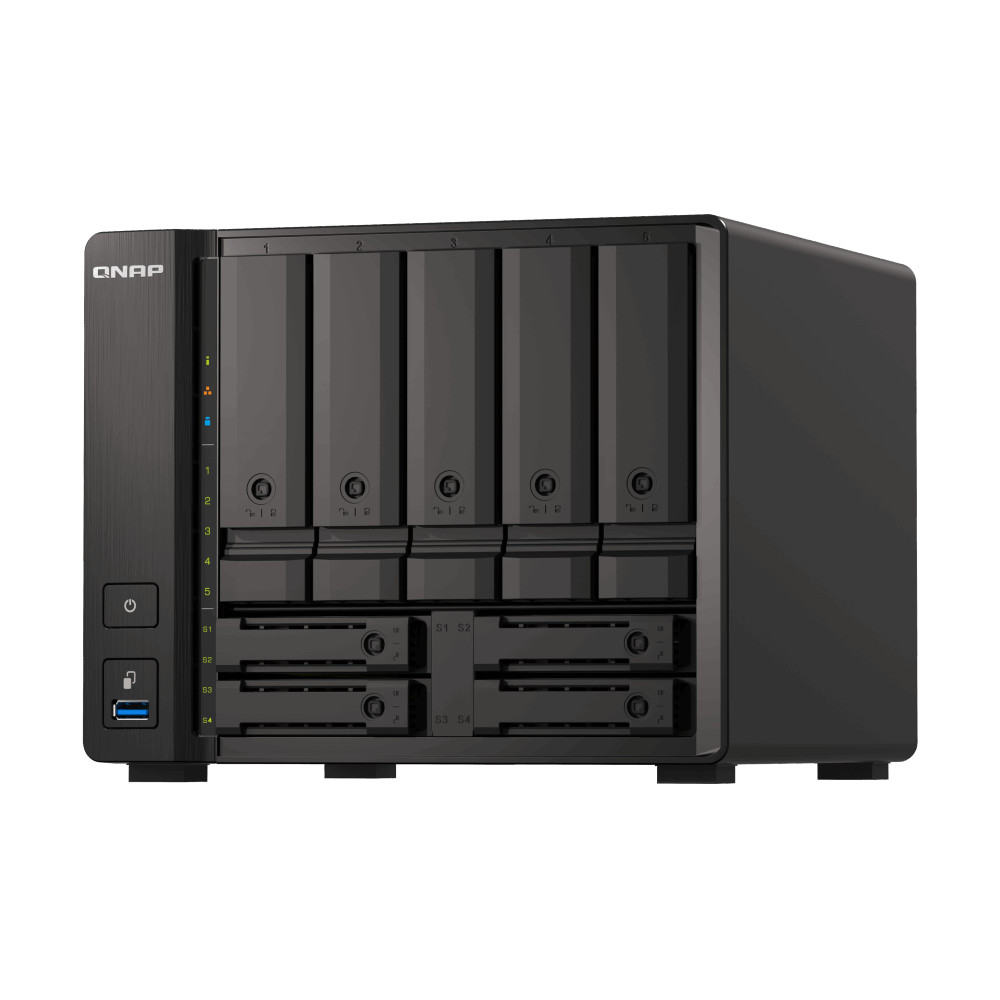
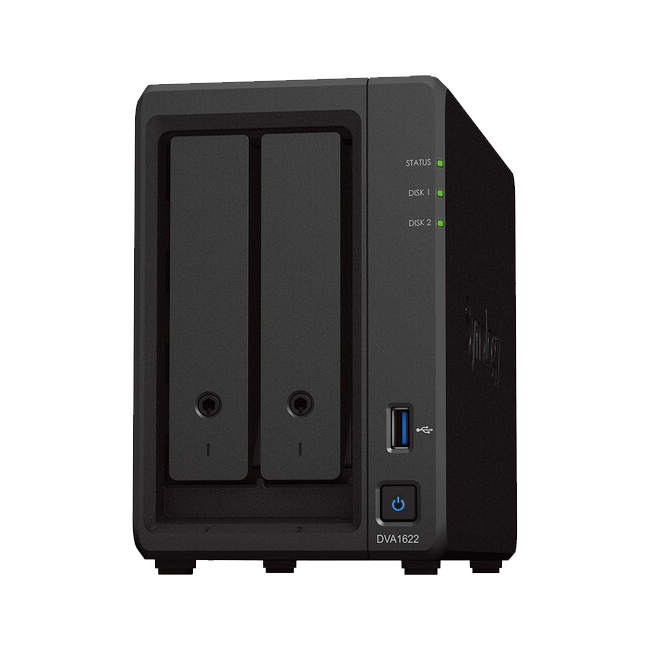
A UPS bridges short outages and signals the NAS to shut down cleanly during longer events.
Sizing VA, watts, and runtime
Size for your NAS, switches, and critical routers together. Aim for 10 to 20 minutes of runtime to cover short outages and give time for clean shutdown.
Add watt draw for NAS, switch, and router then choose a UPS with headroom
Select a model with user replaceable batteries
Use manufacturer runtime charts to verify targets
UPS types and which to choose
Line interactive suits most homes and small offices. Online double conversion is for sensitive sites and higher budgets.
Standby for basic protection in very small setups
Line interactive for most NAS deployments
Online for environments with frequent brownouts or strict requirements
NAS integration and shutdown policy
Connect the UPS via USB so DSM can read status and trigger actions.
Enable UPS support in Control Panel and set safe shutdown thresholds
Choose network UPS server when multiple NAS units share one UPS
Test that alerts and shutdown timers work as expected
Placement and maintenance
Keep the UPS in a cool, ventilated spot and plan for battery replacements.
Avoid enclosed cabinets without airflow
Replace batteries per manufacturer guidance
Keep spare fuses or batteries when downtime risk is high
Testing and drills
Validate behaviour before a real outage.
Simulate a short outage and watch DSM events
Review logs and adjust shutdown timers
Retest after firmware or configuration changes
FAQs
Quick answers to common UPS questions.
How much runtime do I need? Ten to twenty minutes is a common target
Do I need surge protection as well? A UPS includes basic protection but a quality power board helps
Can I run the NAS through a generator? Yes with appropriate conditioning and stable voltage
Need technical support or more detailed guidance? Please contact Synology via our Synology Support – Australia page. It includes ticket, Live Chat, warranty and downloads links.
UPS Planning for a Synology NAS in Australia: Sizing and setup
Posted By Ethan Ro
on
We’re Here for You
Whether it’s setup, troubleshooting, or custom solutions or simply tracking your order — we’ve got you covered.