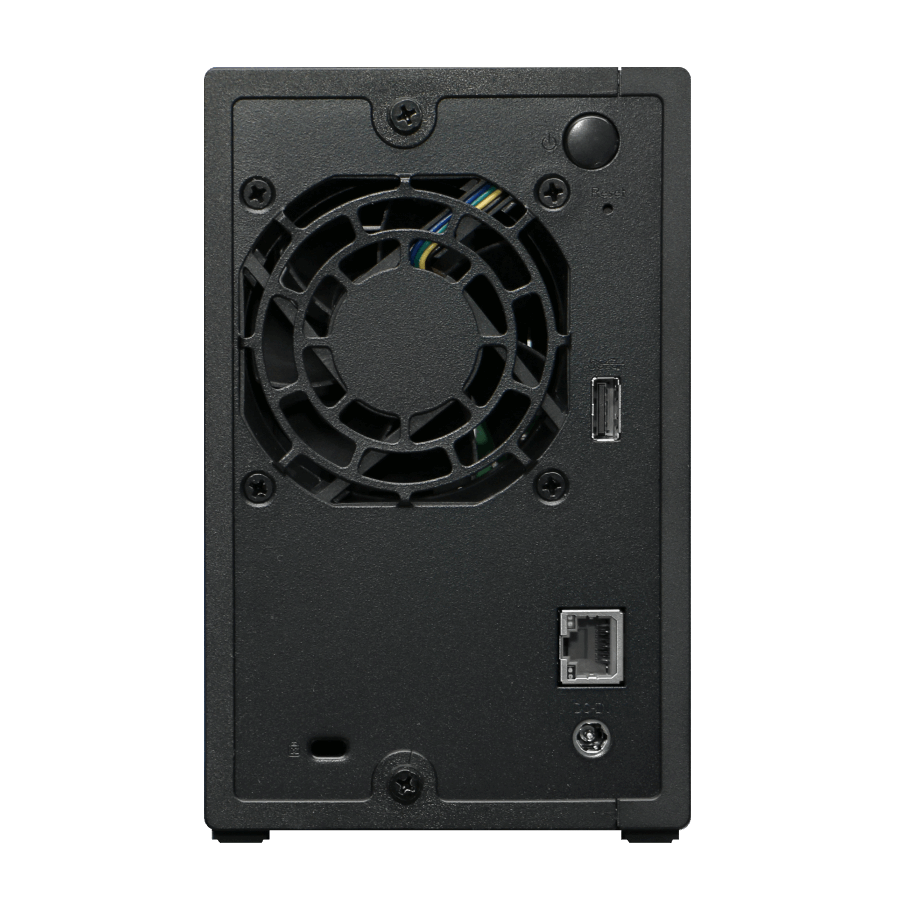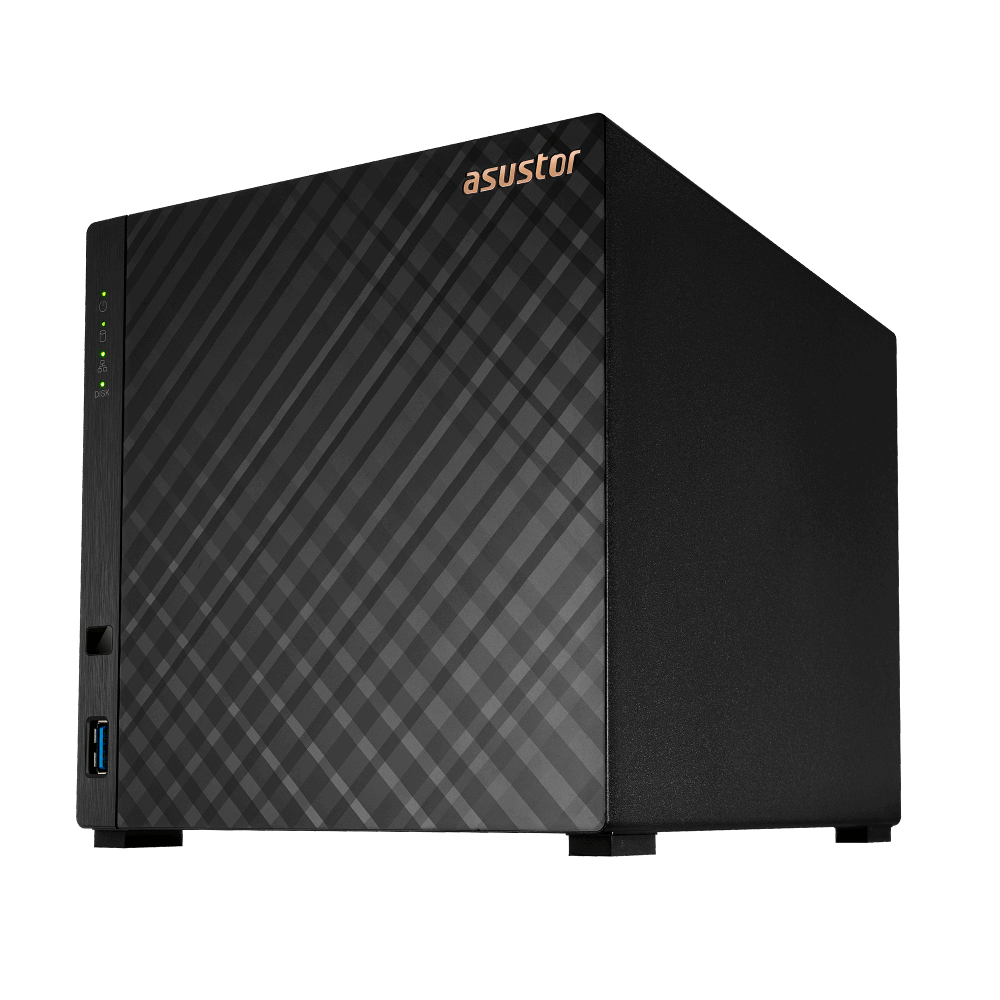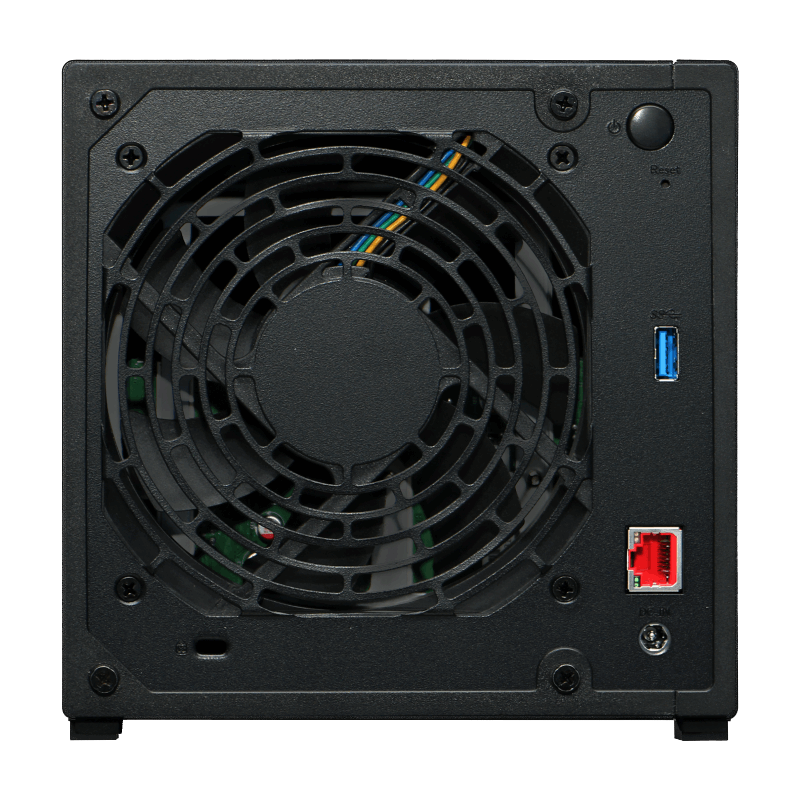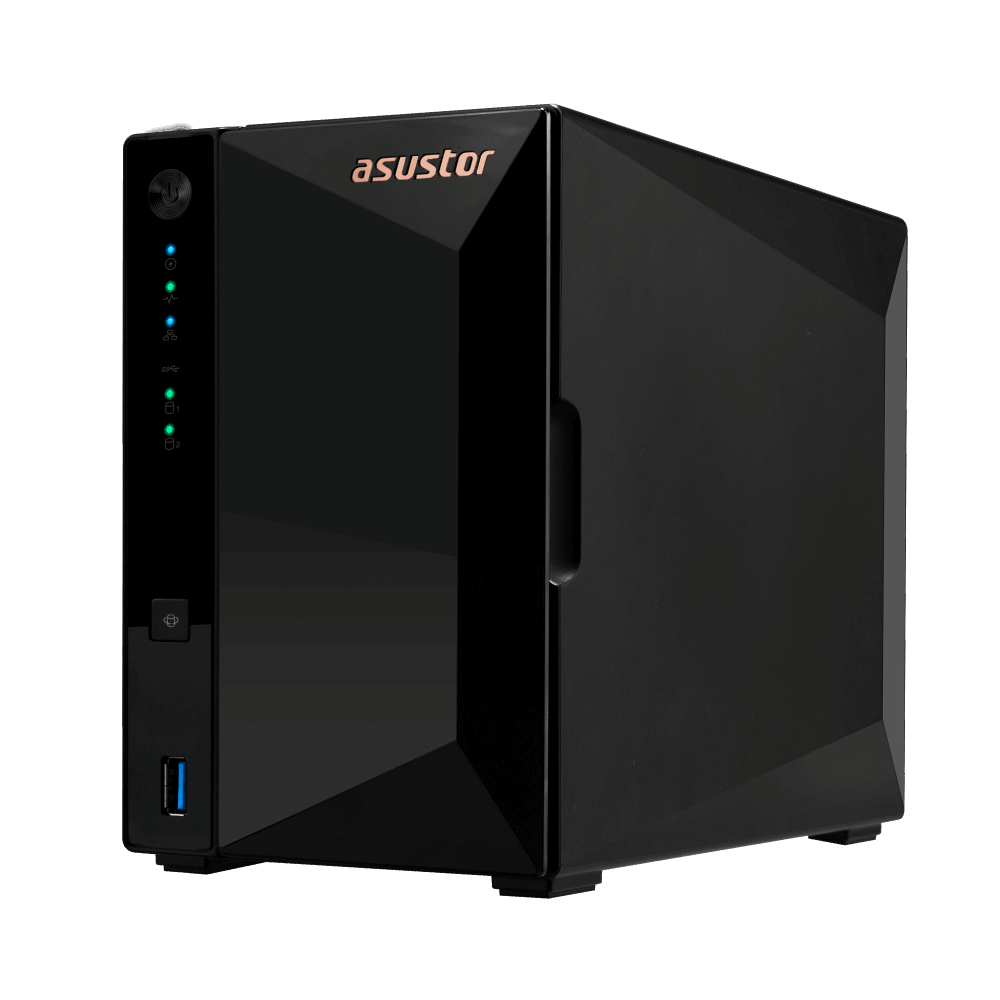
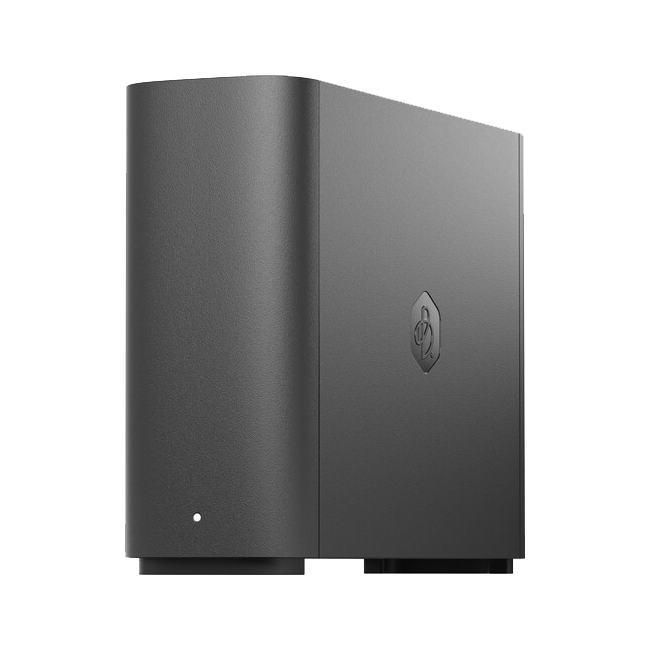
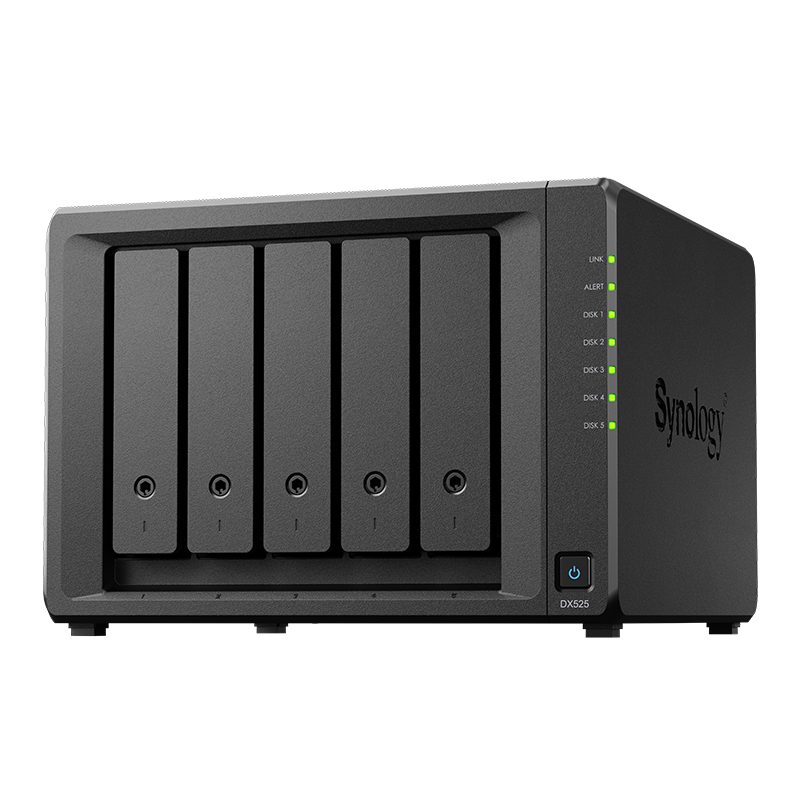
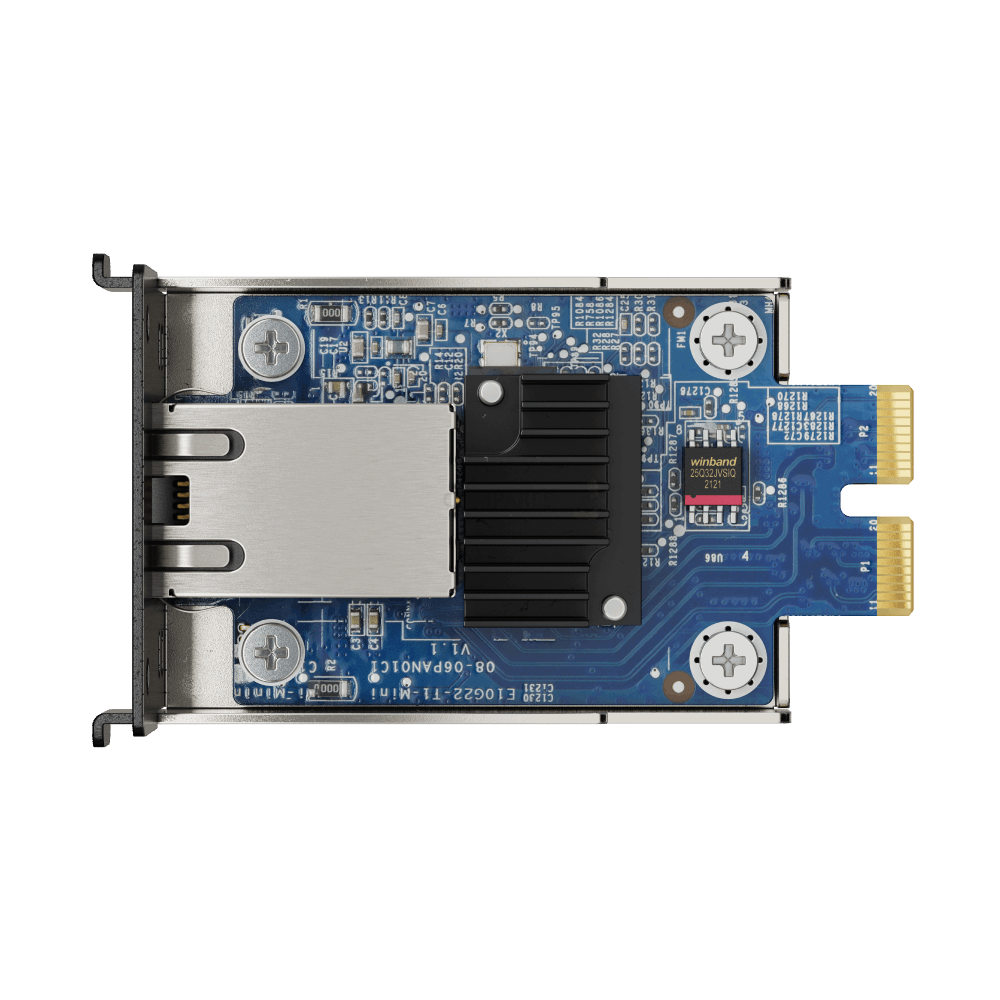


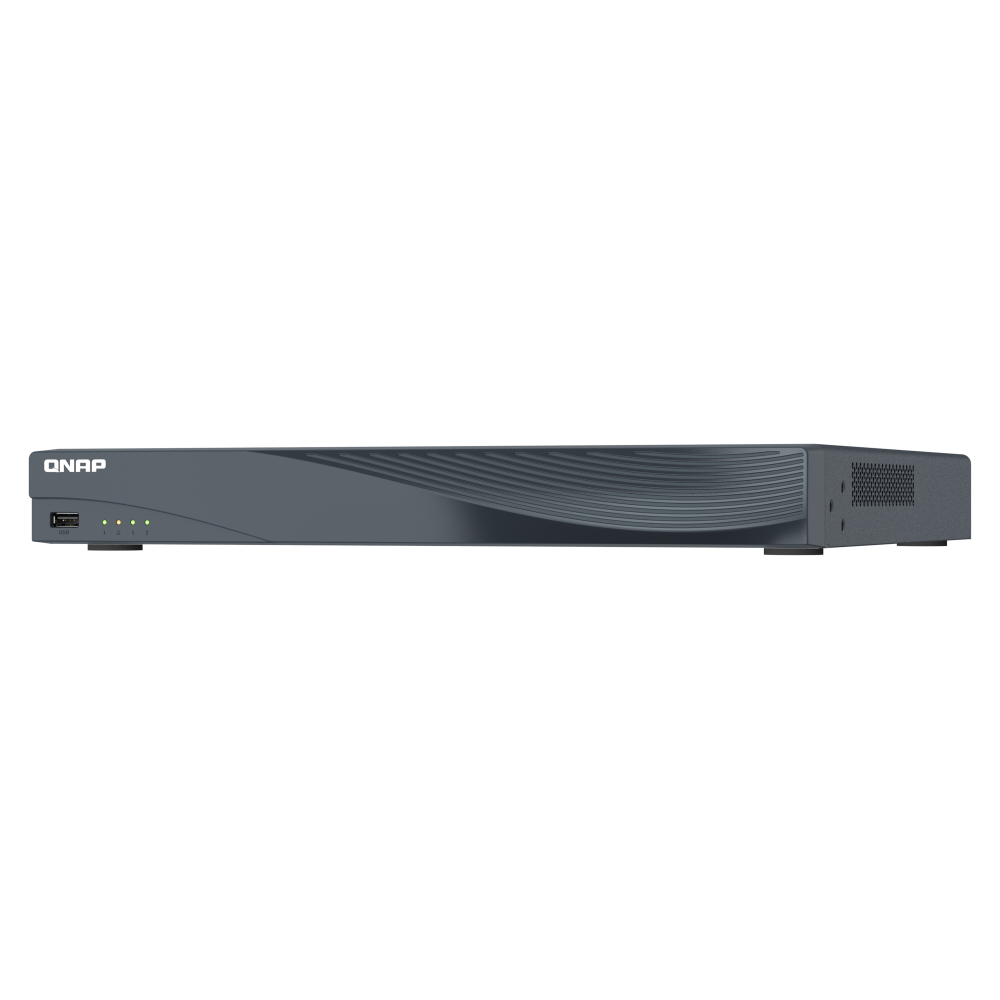








2-bay compact private-cloud NAS
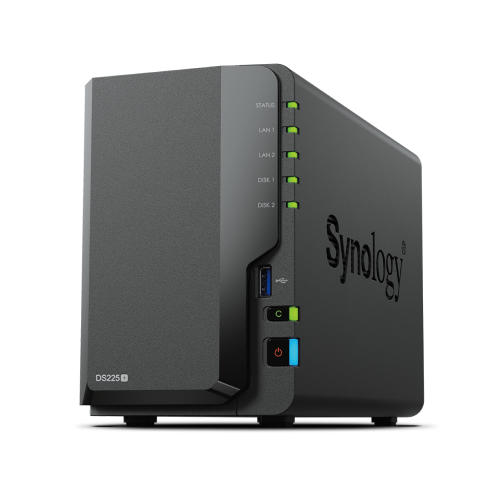
Synology DiskStation DS225+ 2-Bay Diskless NAS
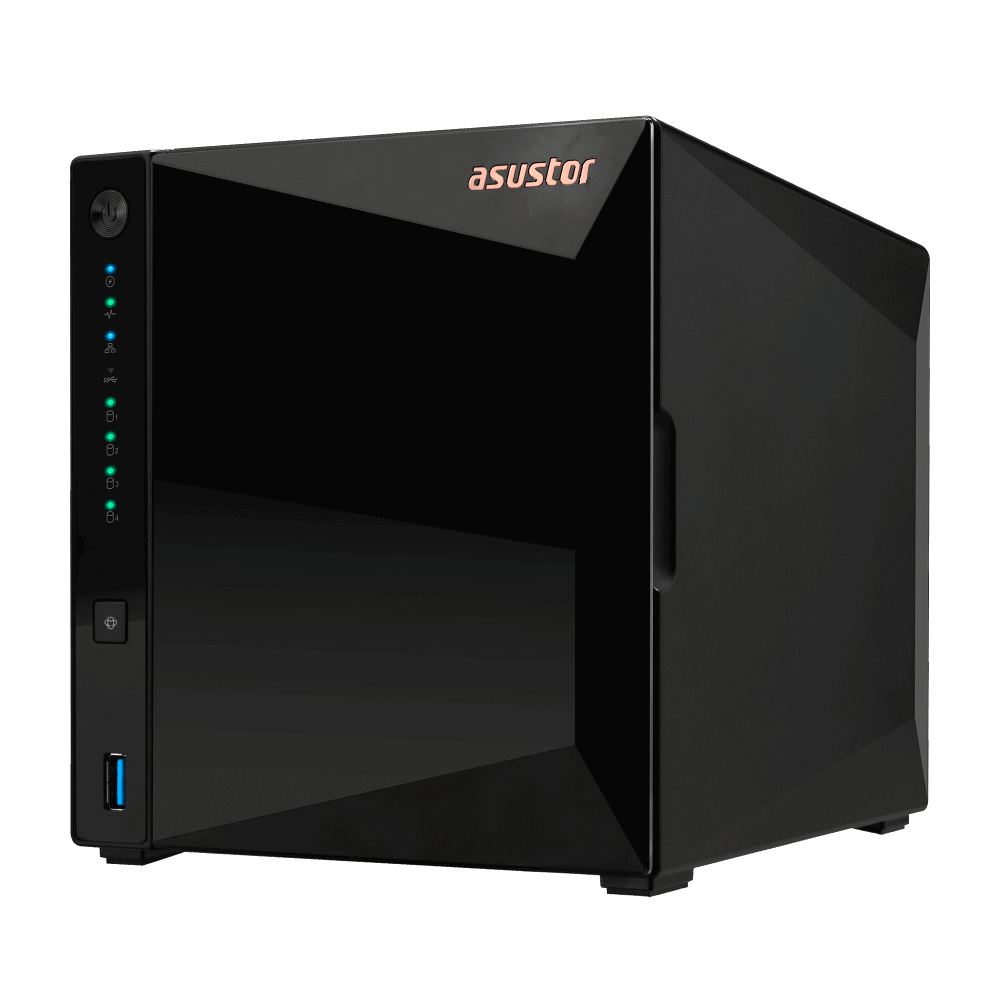
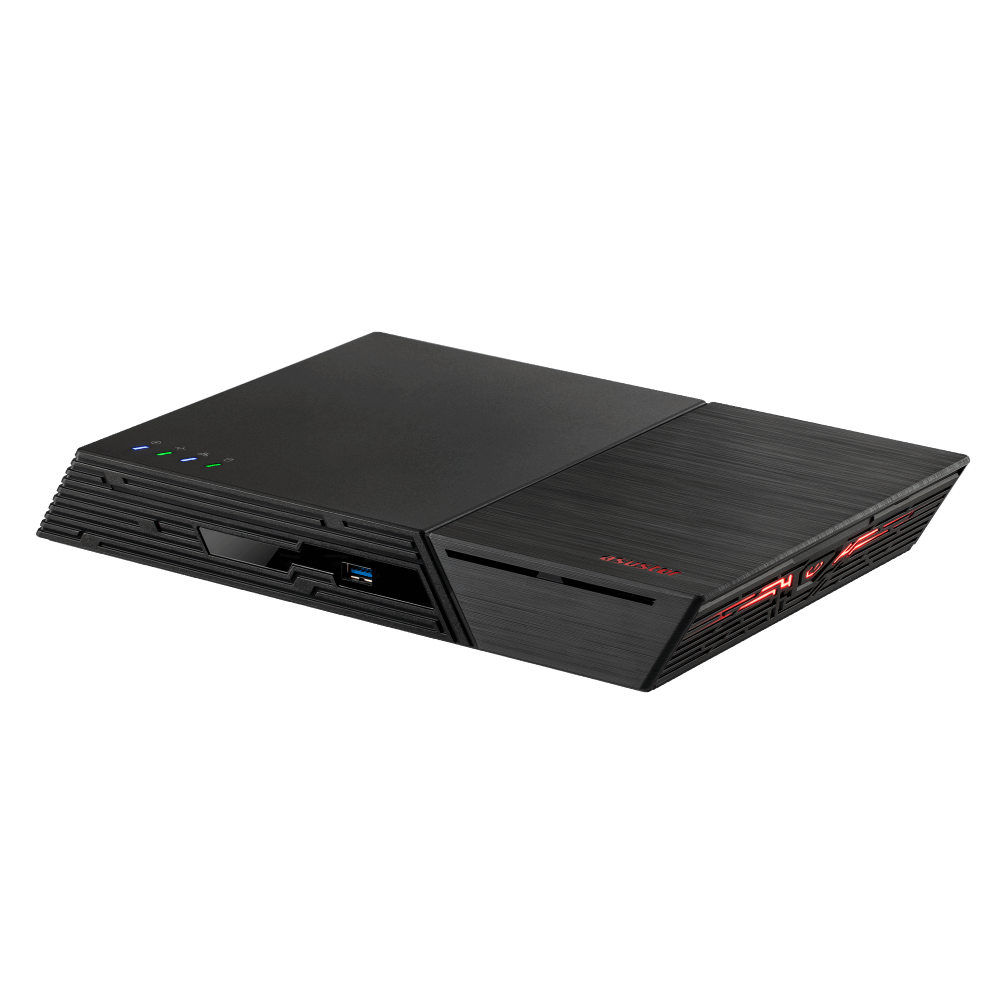
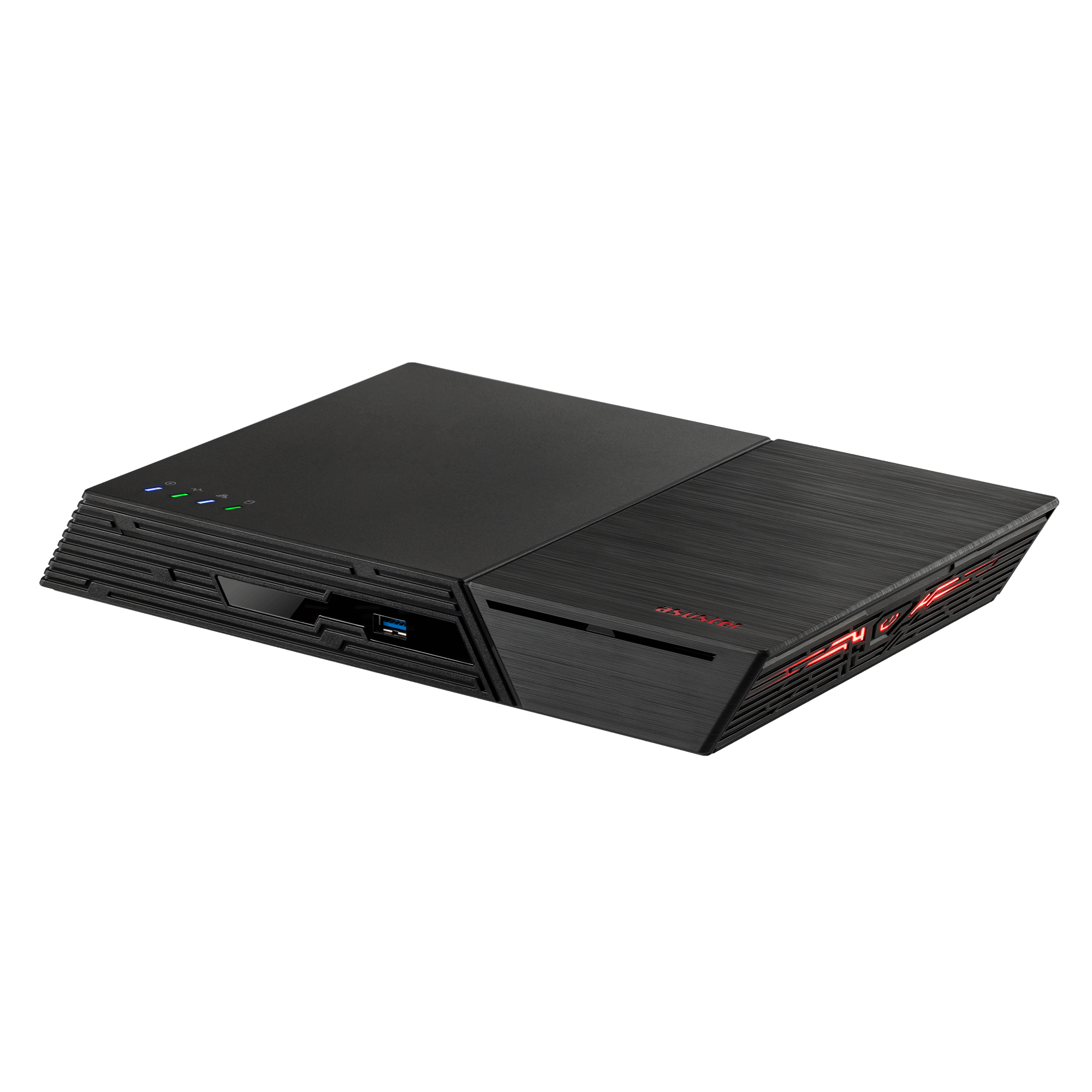
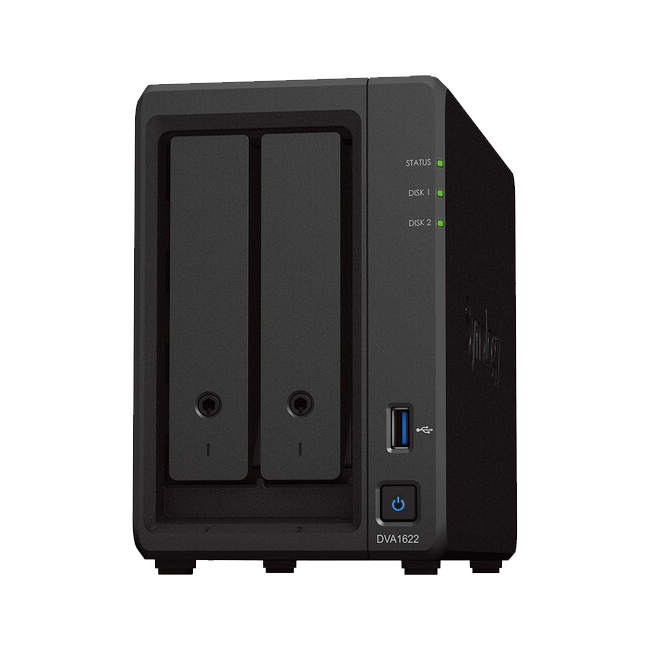
The Synology DiskStation DS225+ is a compact two-bay network attached storage system with an Intel Celeron J4125 processor, 2 GB DDR4 memory, one 2.5GbE port and one 1GbE port for home, small-office and edge storage.
- Processor
- Intel Celeron J4125
- Memory
- 2 GB DDR4 non-ECC
- Storage
- 2 SATA drive bays
- Networking
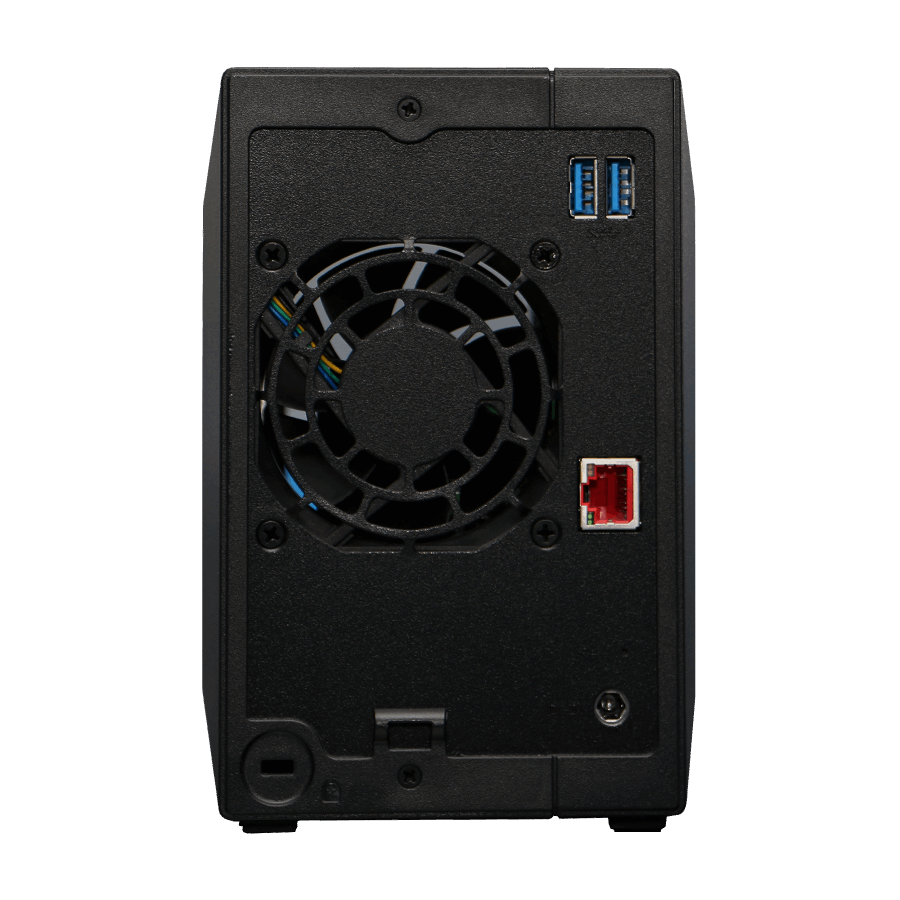
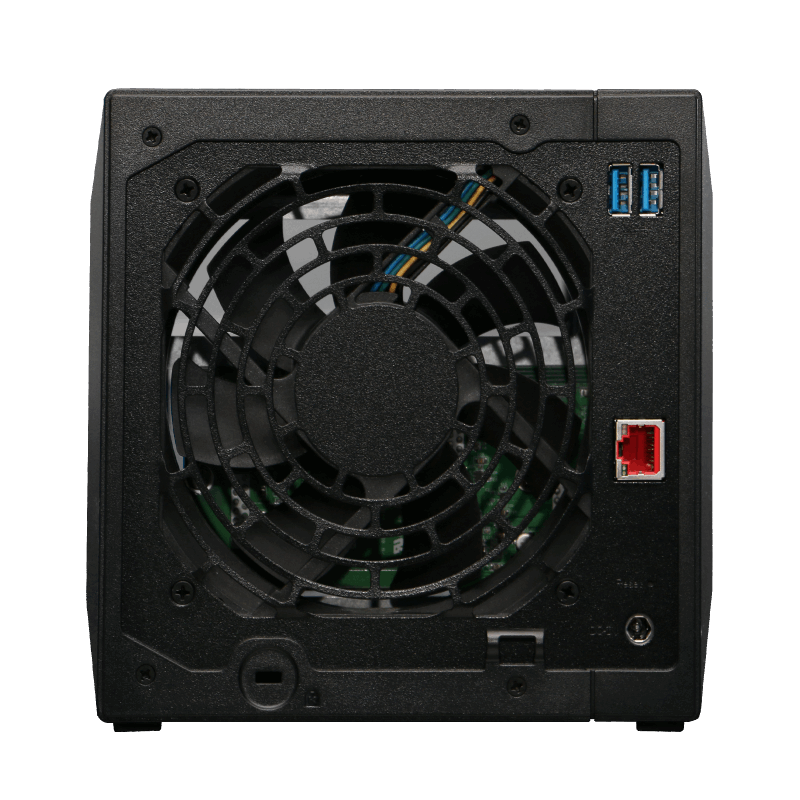
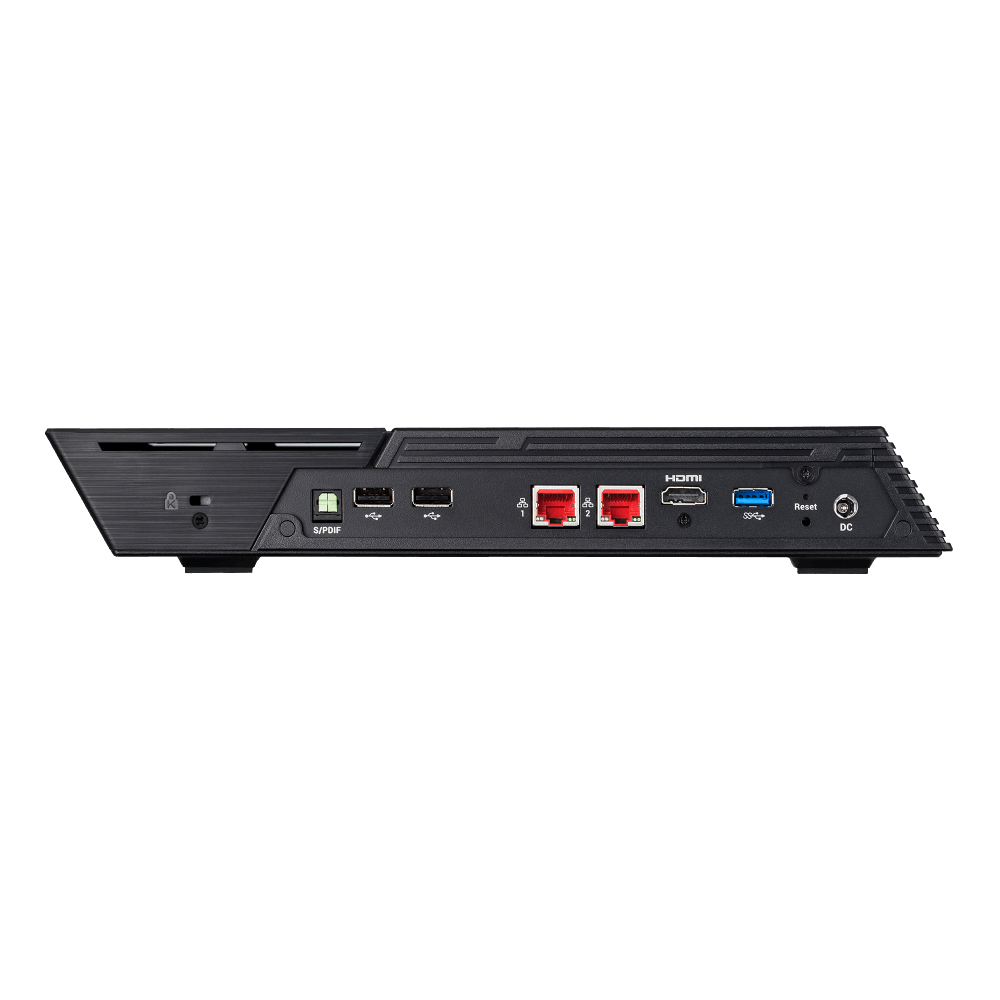
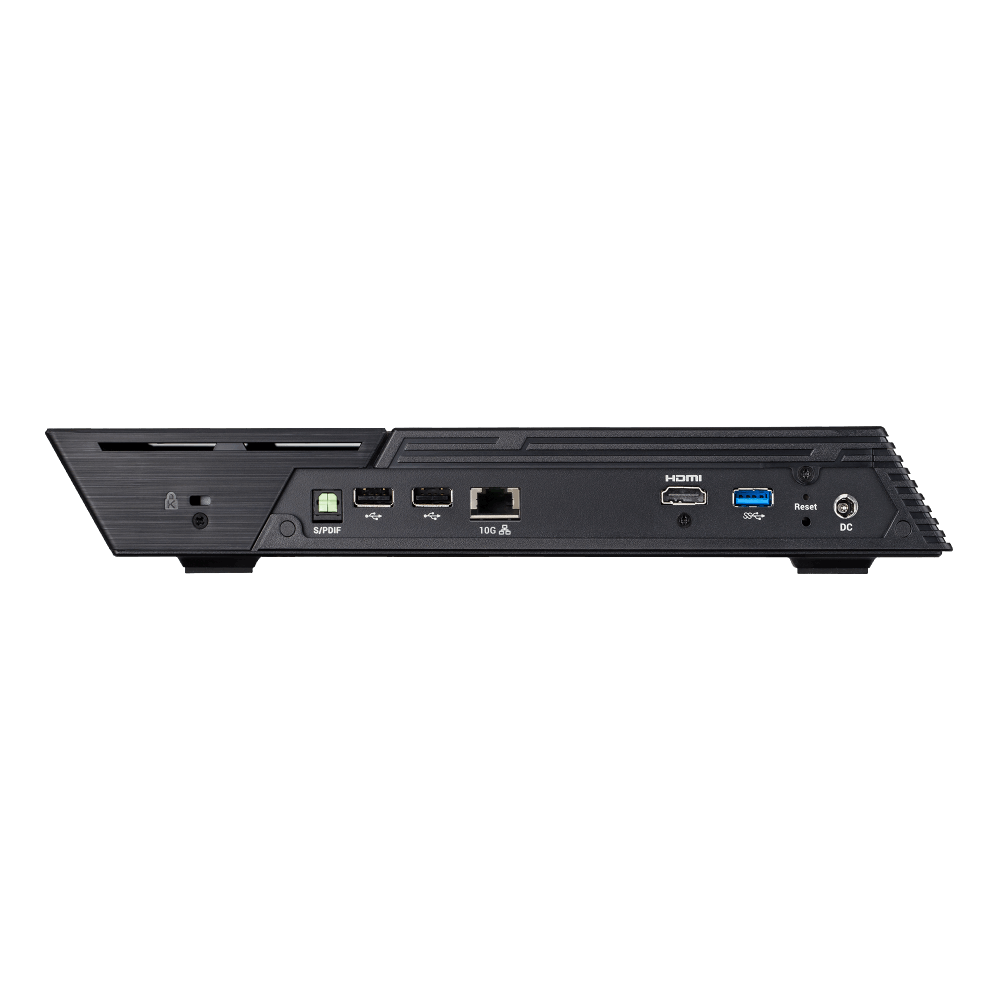
- 1 × 2.5GbE + 1 × 1GbE
Straightforward storage, backup and sharing for smaller environments
The Synology DiskStation DS225+ consolidates documents, photos and backups in one managed private cloud. DiskStation Manager provides file sharing, endpoint backup, synchronisation and surveillance tools, while the compact chassis keeps deployment practical for homes, home offices and small teams.
Private file storage
Centralise files and access them through Synology's browser, desktop and mobile workflows.
2.5GbE connectivity
A built-in 2.5GbE port supports faster local transfers when paired with suitable network equipment.
Backup and recovery
Use Synology data-protection applications for scheduled backups, versioning and recovery workflows.
Photo organisation
Synology Photos provides a private location for organising, browsing and sharing photo libraries.
Surveillance option
The supplied positioning supports management of up to 25 IP cameras, subject to licensing and configuration.
Upgradeable memory
The installed 2 GB can be expanded to a stated maximum of 6 GB using a compatible 4 GB module.
Who is the Synology DiskStation DS225+ best for?
A strong choice for
- Home and family file storage
- First-time NAS users who want DSM management
- Home-office backup and file sharing
- Private photo and video libraries
- Smaller surveillance deployments
- Mixed 1GbE and 2.5GbE networks
Consider another model if you need
- You need more than two internal SATA drive bays
- You require built-in M.2 NVMe slots
- You need memory beyond the 6 GB stated maximum
- Your workload requires PCIe or expansion-unit support
Key specifications
- CPU
- Intel Celeron J4125, 4-core
- Memory
- 2 GB DDR4 non-ECC
- Maximum memory
- 6 GB (2 GB + 4 GB)
- Drive bays
- 2
- Drive support
- 3.5-inch SATA HDD / 2.5-inch SATA SSD
- Networking
- 1 × 2.5GbE + 1 × 1GbE
- USB
- 2 × USB 3.2 Gen 1
- Dimensions
- 165 × 108 × 232.2 mm
- Weight
- 1.3 kg
- Warranty
- 3 years, extendable to 5 years
Full technical specifications
Processor, memory and storage
| CPU model | Intel Celeron J4125 |
|---|---|
| CPU quantity | 1 |
| CPU cores | 4 |
| CPU threads | 4 |
| CPU architecture | 64-bit |
| CPU frequency | 2.0 GHz base / 2.7 GHz turbo |
| Hardware encryption engine | Supported |
| System memory | 2 GB DDR4 non-ECC |
| Memory slots | 1 |
| Maximum memory capacity | 6 GB (2 GB + 4 GB) |
| Drive bays | 2 × 3.5-inch SATA HDD or 2.5-inch SATA SSD |
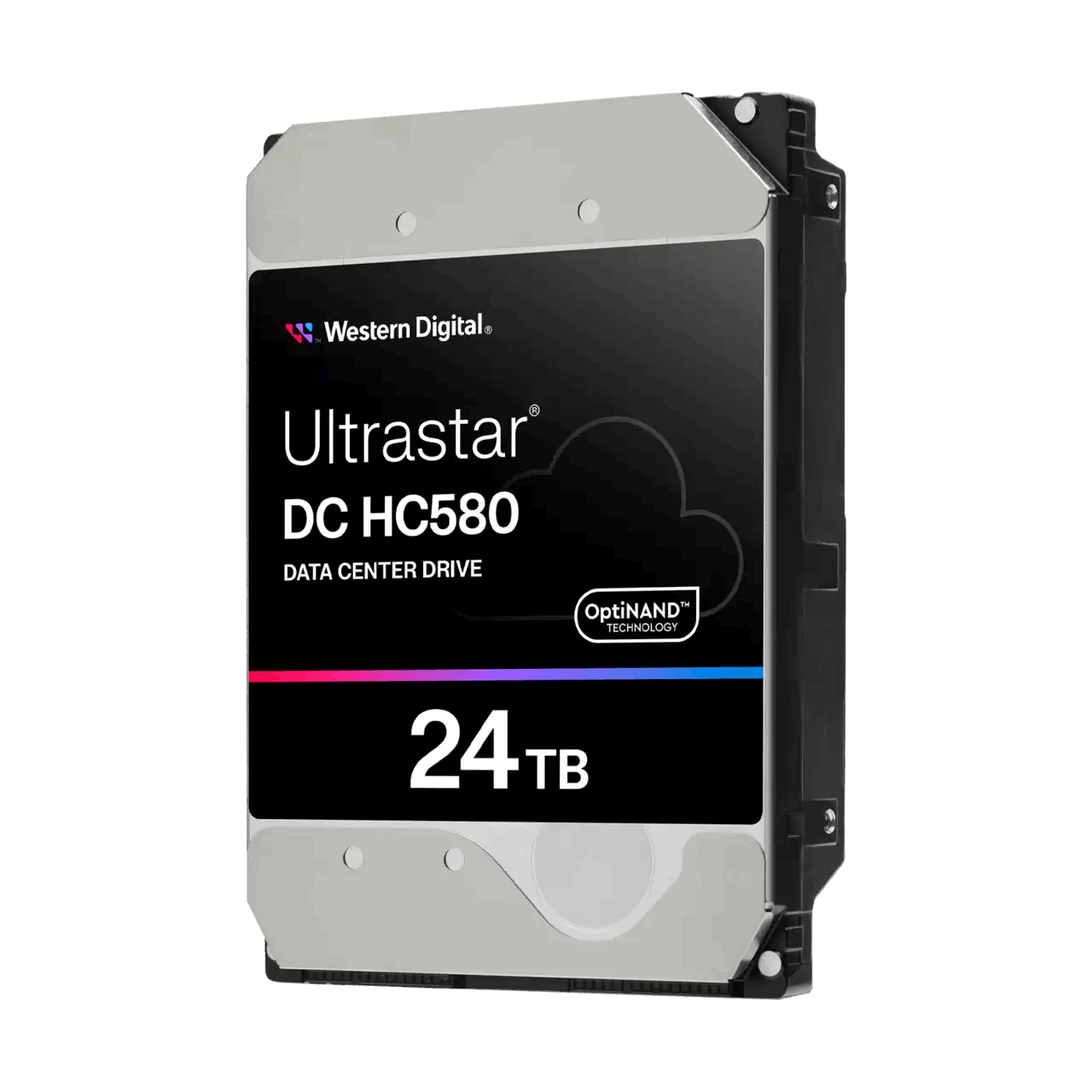
| Maximum raw capacity guidance | Up to 48 TB raw using 24 TB drives |
| Supported drive types | 3.5-inch SATA HDD and 2.5-inch SATA SSD |
| Hot-swappable SATA drives | Supported |
Network, ports and expansion
| 1GbE RJ-45 ports | 1 |
|---|---|
| 2.5GbE RJ-45 ports | 1 |
| USB 3.2 Gen 1 ports | 2 |
| USB Copy | Supported |
| 1GbE maximum MTU | 1,500 bytes |
Physical, power and environment
| Dimensions (H × W × D) | 165 × 108 × 232.2 mm |
|---|---|
| Weight | 1.3 kg |
| System fan | 92 × 92 mm × 1 |
| Fan modes | Full-Speed, Cool and Quiet |
| Adjustable front LED brightness | Supported |
| Power recovery | Supported |
| Scheduled power on/off | Supported |
| Wake on LAN/WAN | Supported |
| Noise level | 19.6 dB(A) |
| Power supply / adapter | 60 W |
| AC input | 100V to 240V AC |
| Power frequency | 50/60 Hz, single phase |
| Power consumption — access | 16.98 W |
| Power consumption — HDD hibernation | 6.08 W |
| British thermal unit — access | 57.90 BTU/hr |
| British thermal unit — HDD hibernation | 20.73 BTU/hr |
| Operating temperature | 0°C to 40°C (32°F to 104°F) |
| Storage temperature | -20°C to 60°C (-5°F to 140°F) |
| Operating humidity | 8% to 80% RH |
| Storage humidity | 5% to 95% RH |
Warranty, compliance and package contents
| Warranty | 3-year hardware warranty, extendable to 5 years with EW201 or Extended Warranty Plus |
|---|---|
| Environmental compliance | RoHS compliant |
| Certifications | FCC, CE, BSMI, VCCI, RCM, UKCA, EAC, CCC, KC and BIS |
| Package contents | Main unit × 1, accessory pack × 1, AC power adapter × 1, AC power cord × 1 and RJ-45 LAN cable × 2 |
Frequently asked questions about the Synology DiskStation DS225+
What is the Synology DiskStation DS225+?
It is a compact two-bay diskless NAS for private storage, backup, file sharing and supported surveillance workloads.
Which processor does the DS225+ use?
The DS225+ uses a four-core Intel Celeron J4125 running at 2.0 GHz with turbo frequency up to 2.7 GHz.
How much memory is installed in the DS225+?
It includes 2 GB DDR4 non-ECC memory and supports up to 6 GB total using a compatible 4 GB module.
How many drives fit in the DS225+?
It has two bays for compatible 3.5-inch SATA HDDs or 2.5-inch SATA SSDs.
Are drives included with the DS225+?
No. This listing is diskless, so compatible storage drives are purchased separately.
What network ports are built into the DS225+?
It includes one 2.5GbE RJ-45 port and one 1GbE RJ-45 port.
What transfer performance is stated for the DS225+?
Synology states over 282 MB/s sequential read and 217 MB/s sequential write in its test configuration.
Can the DS225+ manage IP cameras?
The current Synology positioning recommends up to 25 IP cameras at 1080p; extra camera licences may be required.
What are the DS225+ dimensions?
The enclosure measures 165 × 108 × 232.2 mm and weighs 1.3 kg without drives.
What warranty applies to the DS225+?
It includes a three-year hardware warranty, extendable to five years through eligible Synology warranty options.
- This is a diskless NAS; compatible drives are sold separately.
- The 48 TB raw-capacity figure is calculated with two 24 TB drives; usable capacity depends on drives and RAID configuration.
- Performance figures come from Synology testing and vary with drives, network, memory, software and configuration.
- Confirm current drive, memory and licence compatibility before purchase.